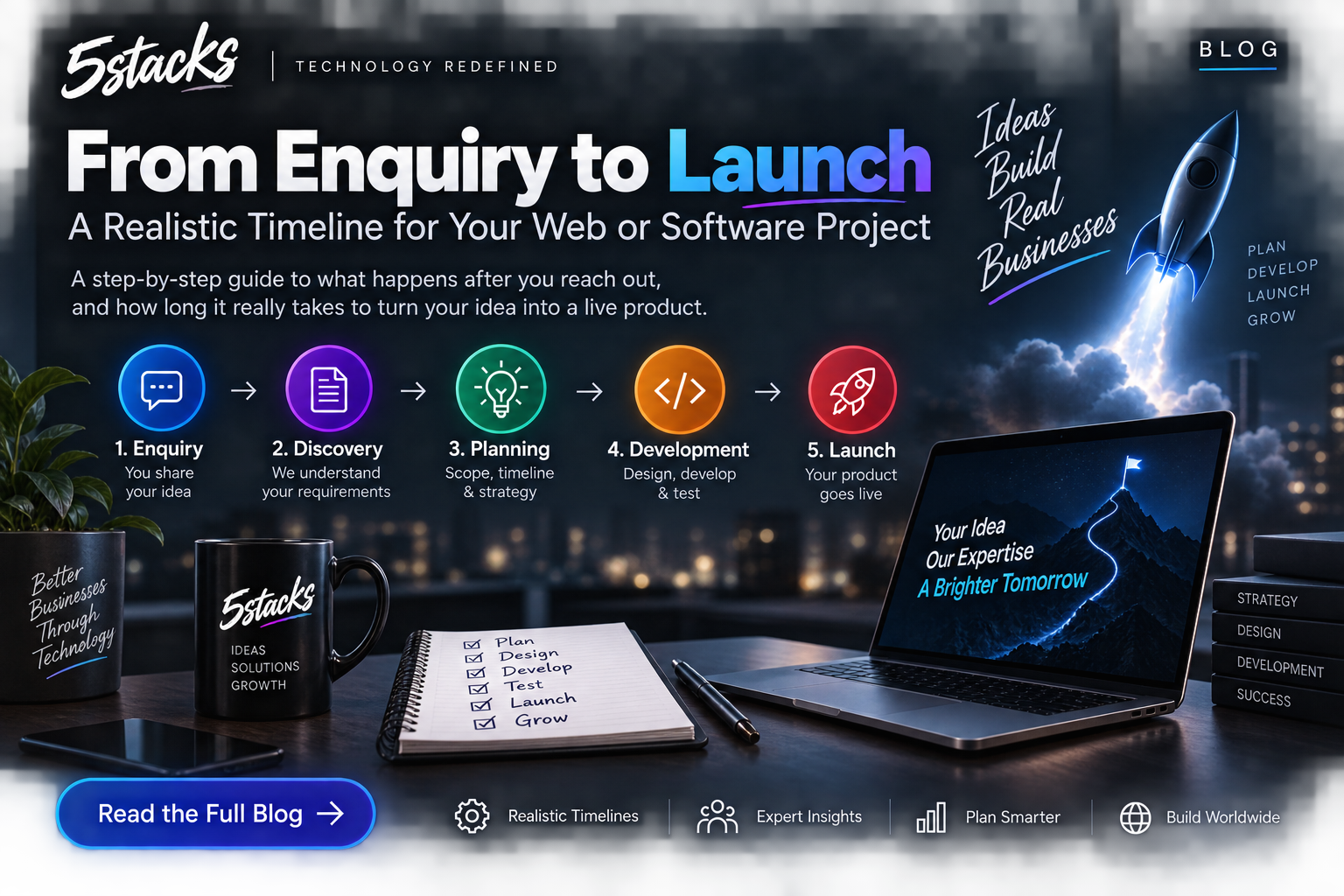
From Enquiry to Launch: A Realistic Timeline for Web and Software Projects
“How long will it take?” depends on scope and decisions. Visual timelines for In...

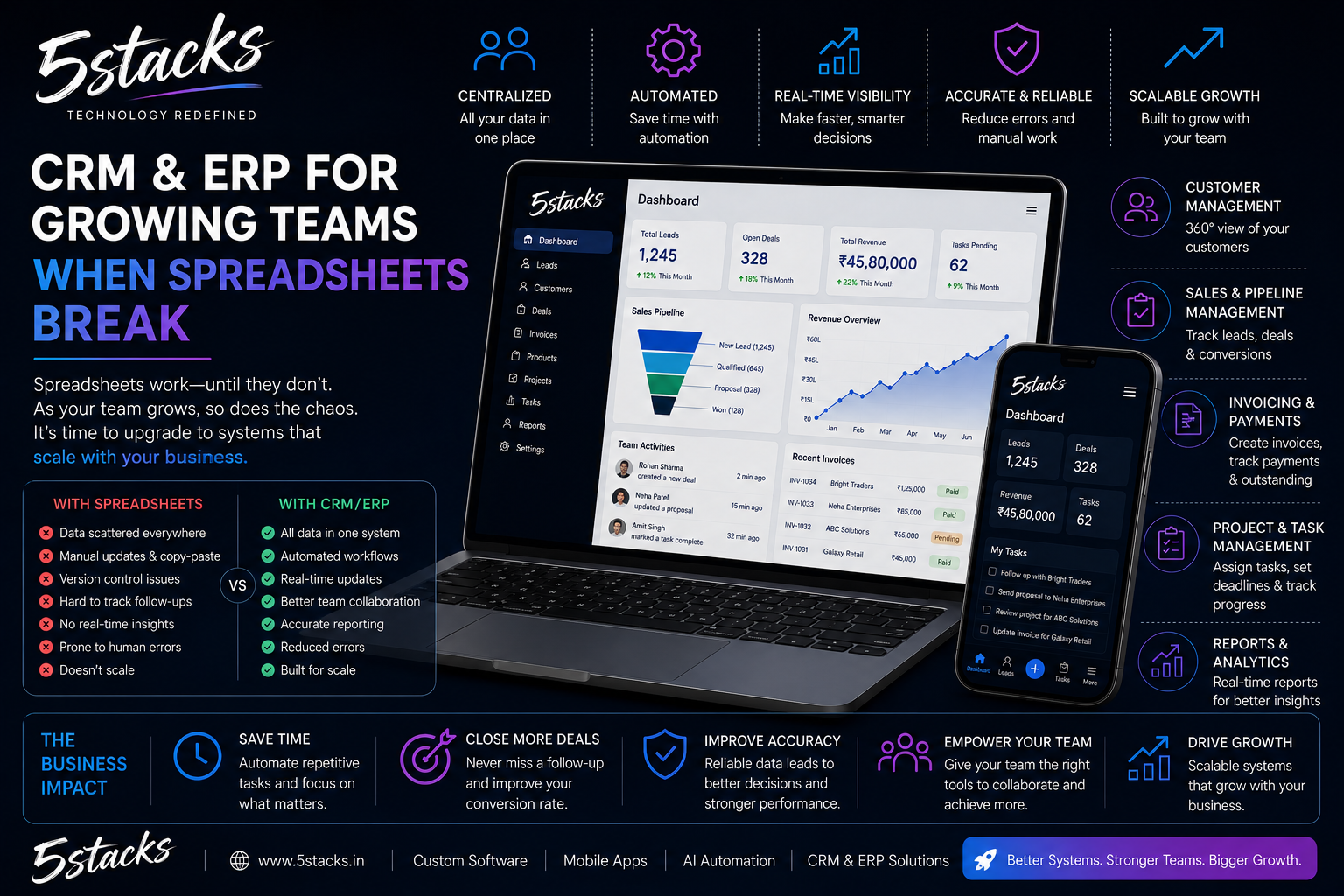
Excel and Google Sheets are excellent tools. They are terrible operating systems. Many Indian SMBs and mid-size teams still run sales, stock, and service on shared files — until a wrong filter, a duplicate sheet, or a salesperson’s offline copy costs real money.
This guide helps you recognise the break point, choose between CRM and ERP thinking, and plan a practical first system. It mirrors how we deliver CRM & ERP development.
It rarely happens overnight. First one tracker. Then a “master” file. Then VLOOKUP chains. Then someone emails “final_v7_REAL.xlsx.” Soon, nobody trusts the numbers without a phone call.
Spreadsheets fail as a company OS when:
Visual idea: Timeline — “1 sheet → 12 sheets → WhatsApp chaos → CRM/ERP.” Mark the break point where audit + multi-user editing collide.
| CRM (customer-facing) | ERP (operations spine) | |
|---|---|---|
| Focus | Leads, deals, follow-ups, customer history | Stock, production, purchasing, finance links, fulfilment |
| Users | Sales, support, account managers | Ops, stores, production, management |
| Typical pain | “We lose leads / no follow-up” | “We don’t know real stock / margins” |
| Start here if… | Revenue leaks in pipeline | Ops errors cost more than sales chaos |
Many growing companies need both eventually. Start where the pain is most expensive. A custom CRM that feeds a later inventory module beats a bloated suite nobody uses.
If three or more are true, budget a system project — not another spreadsheet template.
Include in v1:
Leave for later:
Scope control is the difference between a system that launches and a project that forever “needs two more weeks.”
| Step | Action | Why |
|---|---|---|
| 1 | Map the real process (not the ideal one) | Software must match reality first |
| 2 | Clean master data (customers, SKUs, statuses) | Garbage in, garbage forever |
| 3 | Pilot with one team or branch | Find friction early |
| 4 | Run parallel for a short window | Safety net |
| 5 | Cut over with training + support hours | Adoption is the product |
Big-bang overnight switches look brave and often fail. Parallel run + training beats heroics. Keep Excel for a few curated exports if needed — but the system becomes the source of truth.
Technology rarely kills CRM/ERP projects. Adoption does. Assign:
Permissions matter. Not everyone should edit rates or close stock adjustments. Audit logs build trust with owners.
We build focused systems around your workflow — not generic screens with your logo. Examples in our portfolio include manufacturing CRM/ERP, field service platforms, and specialised ops systems such as precious-metal stock control.
| Team | Spreadsheet symptom | System fix |
|---|---|---|
| Sales | Leads in personal notes | CRM pipeline + tasks |
| Stores | Stock mismatch vs reality | Inventory transactions |
| Accounts | Reconciling three exports | Single source + exports |
| Service | Tickets in WhatsApp | Ticket + visit history |
| Management | “Send me the latest sheet” | Live dashboards |
Pick the department where errors cost the most money. That is usually your v1 sponsor.
Agree nouns early: party (customer/vendor/lead), item (SKU/service), document (quote/order/ticket), status (controlled list), transaction (stock move/payment). A short glossary in kickoff saves months of report fights.
Owners need trustworthy answers: pipeline this month, promised vs available stock, stuck orders, silent customers, margin leaks. Design reports backward from those questions — not from fifty imagined dashboards.
Prefer role cheat sheets, shadowing week one, champion chat, partner office hours, and executives using the new views. If leadership keeps treating Excel as truth, adoption dies.
Unique logins, role permissions for rates/stock, audit logs, tested backups, time-boxed vendor access. Basics done consistently beat Fortune-500 paperwork nobody follows.
Bring sales lead, ops lead, accounts, and one executive. Agenda:
Output: one-page scope, glossary, and sponsor sign-off. Without this, vendors guess — and you pay for rework.
Go-live is a project milestone, not the finish line. Plan hypercare for the first two weeks — daily check-ins beat surprise frustration.
If your team is drowning in sheets, talk to us with one painful workflow. We will tell you honestly whether a CRM module, ERP spine, or process cleanup comes first.
Can we keep Excel for some reports?
How long does a first CRM module take?
Do you force a big-bang cutover?
Is this only for large enterprises?
Ready-made CRM or custom?
What data should we clean before migration?
How do we know the project succeeded?