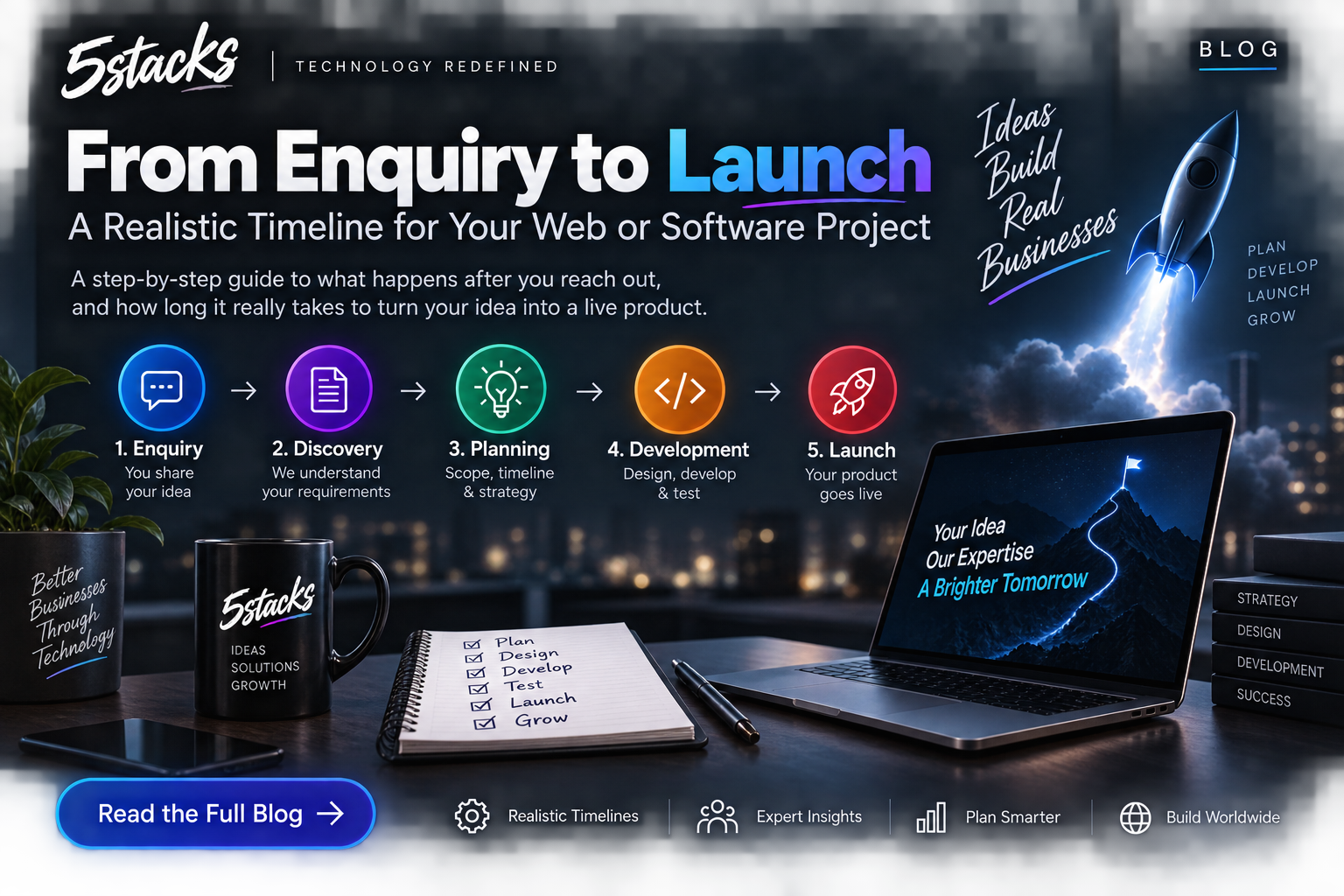
From Enquiry to Launch: A Realistic Timeline for Web and Software Projects
“How long will it take?” depends on scope and decisions. Visual timelines for In...

You built the website.
You published your services.
You added your phone number, WhatsApp button, contact form and even a nice-looking homepage.
Then you search Google for your own service.
Your website isn't there.
You search again with a slightly different phrase.
Still nothing.
This is one of the most common problems businesses face after launching a website.
Having a website and being discoverable are two completely different things.
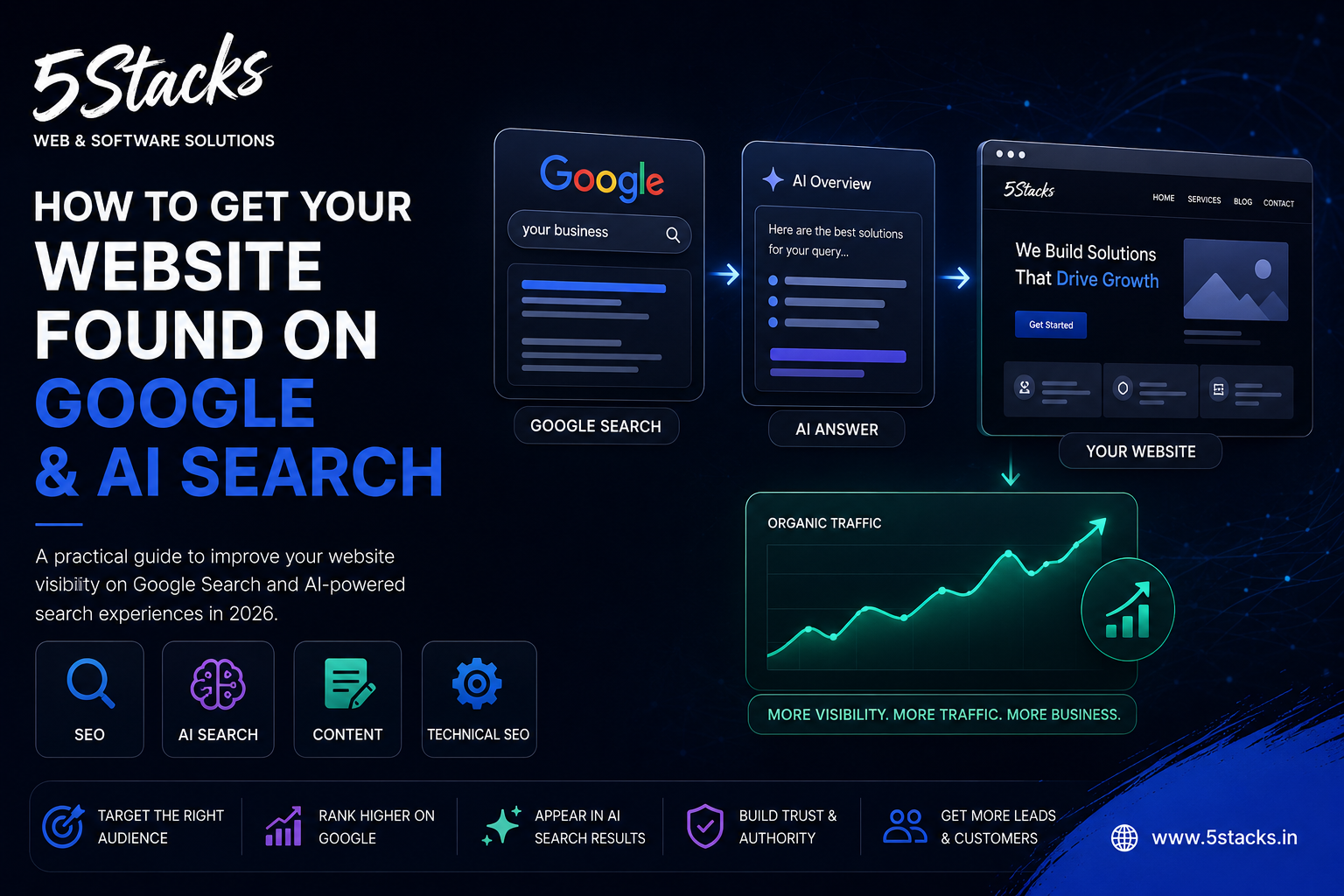
In 2026, there is another layer to this problem as well. People are increasingly using AI-powered search experiences alongside traditional search engines to find answers, businesses, products and services.
So the question is no longer simply:
"How do I rank my website on Google?"
It is becoming:
"How do I make my business visible wherever potential customers are searching?"
This guide explains how to approach that problem without chasing every new SEO trend.
There is no magic keyword density, secret HTML tag or guaranteed AI-search trick that can put a website at number one.
Search engines need to understand several basic things:
That sounds simple, but achieving it requires several parts of your website to work together.
Useful Content
Search Intent Match
Technical Accessibility
Internal Linking
Authority & Trust
Note: This is a conceptual illustration, not Google's ranking formula or percentage weighting.
This is where many business websites go wrong.
They write pages around what the company wants to say instead of what customers want to know.
For example, a software company might publish:
"Our Innovative Digital Transformation Solutions"
That sounds professional, but a potential customer may actually search:
The second group is much closer to real search behaviour.
| Customer Problem | Possible Article |
|---|---|
| Our employees use too many spreadsheets. | How to Replace Manual Excel Workflows With Business Software |
| We keep losing sales follow-ups. | How a CRM Can Prevent Missed Sales Follow-Ups |
| Our website gets visitors but no enquiries. | Why Your Website Gets Traffic but No Leads |
| Our website doesn't appear on Google. | Why Your Website Isn't Ranking on Google |
| We don't know whether we need an app. | Does Your Business Actually Need a Mobile App? |
One of the easiest ways to make a business blog sound artificial is to turn every article into a sales pitch.
Someone searches:
"Why is my website slow?"
They don't want to immediately read five paragraphs about why they should hire a web development company.
They want to know:
Answer those questions first.
Then explain when professional development may be necessary.
This makes the article useful even to someone who doesn't become a customer.
Modern search is much more complicated than matching one exact keyword.
Consider the topic:
Website Speed
A single useful article could naturally answer:
These are related questions around the same problem.
Instead of creating eight thin articles that repeat each other, create one genuinely useful resource and link to deeper pages where appropriate.
People rarely read a long article from beginning to end without scanning it first.
Use:
For example, instead of writing a 2,000-word block about website performance, break it into:
Why your website is slow
How to test it
What to fix first
When hosting is the problem
When code is the problem
How mobile performance differs
What Core Web Vitals mean
Now a reader can immediately find the part relevant to their problem.
This is where many businesses misunderstand "AI SEO".
You don't need to write an article that sounds like it was designed for a robot.
The better approach is to make your information easy to understand, verify and navigate.
For example:
Question: Does website speed affect SEO?
Website performance is part of the overall page experience Google considers. Slow pages can also create a poor user experience, particularly on mobile devices. Performance should therefore be treated as both a technical and usability issue rather than an SEO trick.
Then explain the subject in detail.
This structure helps a human reader understand the answer quickly while giving search systems clearly organized information to interpret.
Suppose 5Stacks publishes an article about CRM.
That shouldn't be the end of the topic.
It can become the center of a complete CRM content cluster.
MAIN GUIDE
What Is a CRM and Does Your Business Need One?
Related Topics
CRM vs Excel
Custom CRM vs Ready-Made CRM
CRM Features for Small Businesses
How CRM Automation Works
CRM Lead Management
CRM Follow-Up Automation
CRM Development Guide
CRM Security and User Permissions
These articles can link to each other naturally.
That gives readers a path through the subject instead of leaving every article as an isolated page.
If you write an article about custom CRM development and mention your CRM development service, don't make the reader search for that service manually.
Link to it in context.
For example:
Explore our software and web development services
Likewise, a Laravel article can link to your software development service, while a website SEO article can link to your SEO service.
The important part is that the link should make sense for the reader.
Your blog should not be expected to rank for every commercial search.
There should be a clear difference between:
| Page Type | Main Purpose |
|---|---|
| Service Page | Explain what 5Stacks provides |
| Blog Article | Answer a problem or question |
| Case Study | Demonstrate actual experience |
| Portfolio | Show completed work |
| Contact Page | Convert interested visitors |
This is one of the biggest opportunities for a software company.
Instead of publishing another generic article called:
"Benefits of CRM Software"
Write something based on an actual development problem:
"How We Designed a CRM Workflow for a Business With Multiple User Roles"
Then explain:
You don't need to reveal confidential client information.
You can explain the technical and business lessons without publishing sensitive data.
This gives your content something generic articles cannot easily reproduce: your actual experience.
If you have real project data, use it.
For example:
Important:
Don't invent numbers simply because a graph looks better with numbers. An honest statement such as "the workflow was reduced from five manual steps to two" is more useful than a fabricated claim such as "our system increased productivity by 73%."
Graphs should help the reader understand something.
Content Quality
Search Intent Match
Technical Accessibility
Internal Linking
Authority Signals
This is an educational illustration, not a representation of Google's actual ranking weights.
A great article is useless if search engines cannot properly access or understand the page.
Before publishing important content, check:
Your title should tell both the visitor and the search engine what the page is about.
| Type | Example |
|---|---|
| Weak | Our Solutions |
| Better | Custom CRM Development for Growing Businesses |
| Question-focused | When Does a Business Need a Custom CRM? |
Don't spend the first 200 words talking about your company's history.
Start with the problem.
Weak introduction:
"5Stacks is a leading software company providing innovative digital solutions to businesses."
Problem-focused introduction:
"Your website may be perfectly functional and still receive almost no organic traffic. The reason is usually not one missing keyword. It is often a combination of search intent, content quality, technical accessibility, competition and website structure."
The second introduction gives the reader a reason to continue.
Don't hide the answer until the end.
If the article is:
"Why isn't my website ranking on Google?"
Give the reader a short answer near the beginning:
Short answer:
A website may fail to rank because its pages do not sufficiently match search intent, the site may have technical accessibility problems, the content may not provide enough useful information, or competing pages may be more relevant and authoritative.
Then spend the rest of the article explaining each reason.
Keywords still matter because they help describe what a page is about.
But don't turn your article into this:
"Best software development company Ahmedabad software development company Ahmedabad software company Ahmedabad software development..."
That isn't useful to anyone.
Instead, use natural language.
Write the way an experienced person would explain the subject to a customer.
The goal is not to repeat one phrase as many times as possible. The goal is to make the topic, context and answer clear.
AI can be useful during research, outlining, editing and development of ideas.
The problem starts when a company publishes hundreds of automatically generated pages without adding meaningful value.
If five websites publish essentially the same article about "What is CRM?", there is little reason for a reader to prefer one over another.
A better approach is:
There is no magic word count that guarantees rankings.
A 900-word article that completely answers a question can be better than a 3,500-word article that repeats the same point twenty times.
Don't ask: "How many words do I need?"
Ask: "What would someone need to know before they can solve this problem?"
Then cover that properly.
Someone discovering your website through Google may be at any stage of the buying process.
QUESTION
"Why isn't my website generating leads?"
↓
EDUCATION
Read an article explaining website conversion problems.
↓
RESEARCH
Read a guide about improving business websites.
↓
COMPARISON
Compare redesign, SEO and conversion optimization options.
↓
COMMERCIAL
Visit the web development or SEO service page.
↓
ACTION
Contact 5Stacks.
Your blog should support this journey rather than simply trying to push every visitor toward a contact form.
If you want customers from Ahmedabad, don't create a generic website that could belong to a company anywhere in the world.
Make your local relevance clear where it genuinely matters.
That can include:
But avoid creating dozens of near-identical city pages just by replacing "Ahmedabad" with another city name.
If a location page exists, it should provide genuinely useful information for people in that location.
SEO isn't always about publishing another article.
Sometimes the better move is improving a page that already exists.
For example, if your website already has a service page that receives impressions but few clicks, examine:
Improving an existing useful page can be more sensible than creating another page targeting almost the same query.
Don't judge SEO only by checking whether you are number one for one keyword.
Look at a broader picture.
| Metric | What It Can Tell You |
|---|---|
| Impressions | How often pages are appearing in search |
| Clicks | How much organic traffic is being generated |
| CTR | How often searchers click after seeing your result |
| Queries | What people are actually searching for |
| Conversions | Whether traffic produces business value |
| Engagement | Whether visitors are finding the page useful |
SEO isn't an instant switch.
Search engines need to crawl pages, understand them, compare them with other pages and continuously evaluate the changing search landscape.
Some improvements can be reflected relatively quickly. Others can take considerably longer.
That means your SEO process should look more like this:
PUBLISH
↓
INDEX
↓
MEASURE
↓
UNDERSTAND QUERIES
↓
IMPROVE CONTENT
↓
STRENGTHEN INTERNAL LINKS
↓
BUILD AUTHORITY
↓
MEASURE AGAIN
A keyword may have search volume but still be irrelevant to your business.
If your article could be published on fifty competing websites without changing anything, it probably needs more original thinking.
Repeating the same phrase doesn't turn weak content into strong content.
Publishing new articles while important service pages remain weak is not a good long-term strategy.
Links should be earned through useful content, relationships, legitimate business listings, digital PR and genuinely valuable resources rather than manipulative link schemes.
Local SEO requires local usefulness, not simply replacing one city name with another.
If the article is frustrating for a human, optimizing it further for search engines is unlikely to solve the fundamental problem.
There isn't one button called "AI SEO".
The practical strategy is much less mysterious.
Understand the question.
Answer it better than a generic article.
Make the answer easy to understand.
Build a technically accessible website.
Connect related content.
Demonstrate real experience.
Make your business and authorship clear.
Keep improving based on actual search data.
Traditional SEO and visibility in AI-powered search should therefore not be treated as two completely separate marketing strategies.
They overlap heavily.
The future of search is changing, but the fundamental problem hasn't changed.
Someone has a question.
They want a reliable answer.
Your job is to become one of the best places on the internet to get that answer.
For a software company, that means going beyond generic articles about "the benefits of technology."
Explain real development problems.
Show how different technologies compare.
Explain mistakes you have seen.
Document real projects.
Give practical examples.
Answer the questions your customers are already asking.
Useful content first. Discoverability second. Commercial relevance when the reader is ready.
That is the kind of content we are building at 5Stacks: content designed to solve real problems, explain technology clearly and help businesses make better decisions.
When an article genuinely solves the reader's problem, the next step becomes natural rather than forced.
How long does it take for a new website to rank on Google?
Does AI-generated content rank on Google?
Is AI SEO different from traditional SEO?
Do I need to use special AI SEO tags?
Should every business have a blog?
Should I focus on keywords or questions?
How can I make my website more visible in AI search?
What should I check first if my website isn't ranking?
Can a small business compete with large websites?