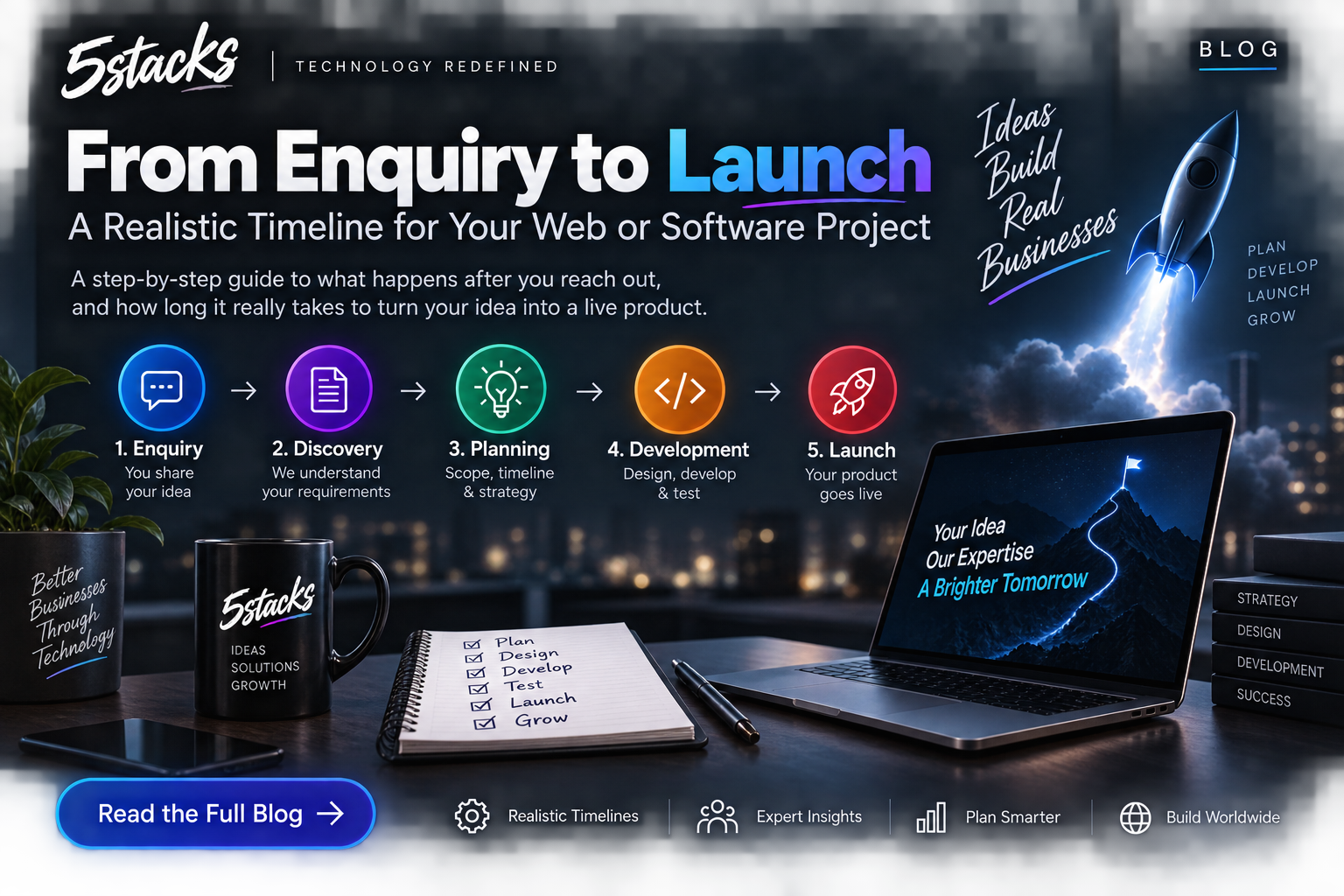
From Enquiry to Launch: A Realistic Timeline for Web and Software Projects
“How long will it take?” depends on scope and decisions. Visual timelines for In...

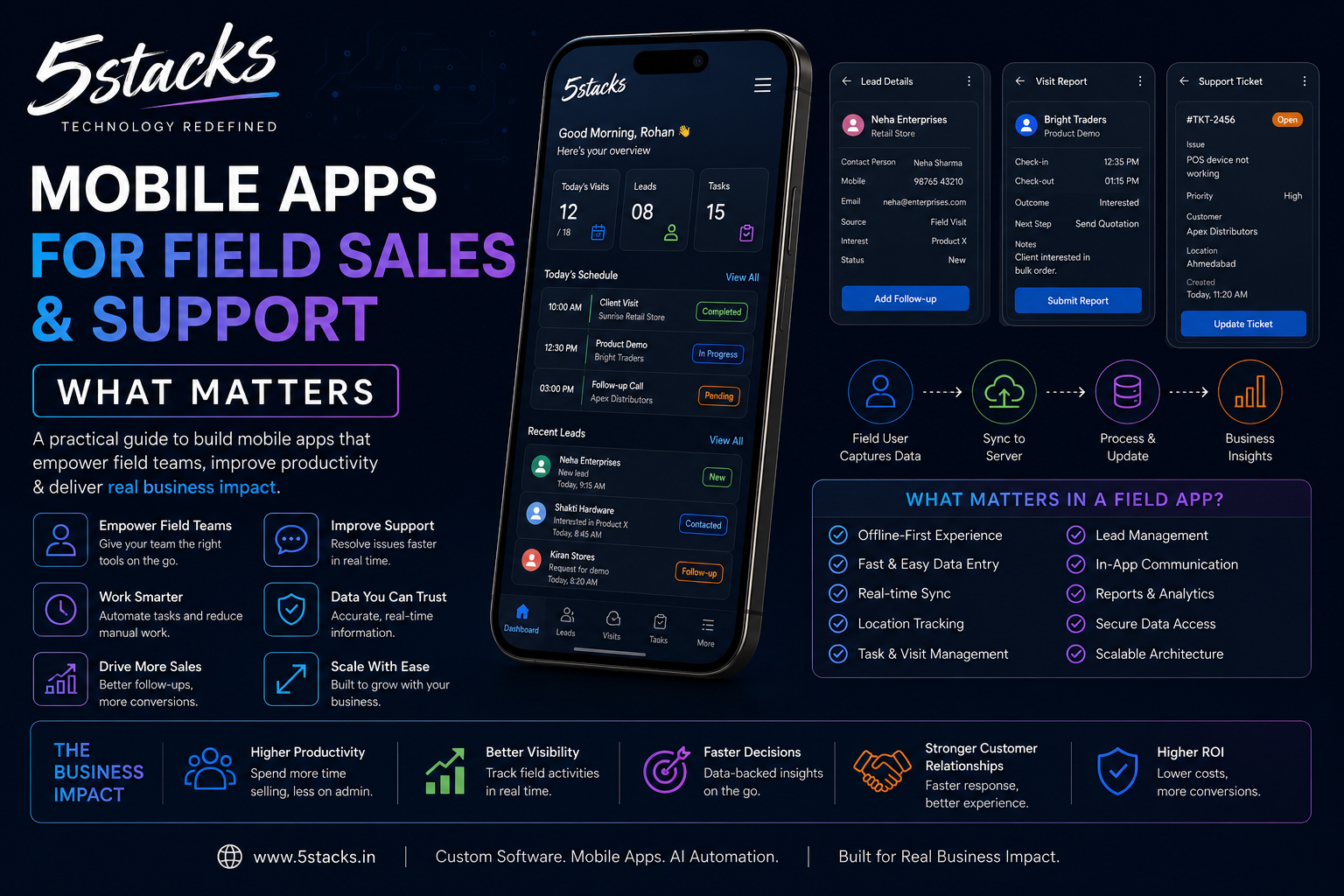
If your sales or service team lives on the road, a pretty consumer-style app is useless. What matters is speed in bad network conditions, the same data the office trusts, and a UI a tired rep can use with one hand.
This guide covers what actually matters when you commission mobile app development for field sales and support in India.
WhatsApp is excellent for chat. It is a weak system of record. Common failure modes:
A field app is justified when visits, orders, tickets, or inspections are core to revenue — and when mistakes are expensive.
Visual idea: Split screen — WhatsApp chaos vs structured visit → order → sync → dashboard.
| Capability | Why field teams need it |
|---|---|
| Fast login / role-based access | Reps, technicians, supervisors see different data |
| Customer / site context | History, open tickets, last visit notes |
| Structured forms | Orders, checklists, photos with required fields |
| Offline capture + sync | Factories, basements, highways with patchy data |
| Office visibility | Same records in CRM/ERP dashboards |
| Notifications that matter | Assignments, SLA breaches — not spam |
Design for “save now, sync later.” Conflict rules must be explicit: last write wins is dangerous for stock; guided merge or office review is safer for critical fields.
The app should not invent a second universe. Field data must land in the same CRM/ERP the office uses — or you recreate spreadsheet hell on phones. Pair mobile work with solid CRM & ERP design.
Decide the source of truth for prices, stock, and customer masters. Short offline cache is fine; long-term truth stays central.
Cross-platform (e.g. Flutter/React Native) can cover Android + iOS when UX and performance targets are clear. Native-only is justified for heavy device or OS-specific needs.
| Phase | Scope | Success signal |
|---|---|---|
| MVP | One role, one workflow (e.g. visit + order) | Pilot team uses daily for 2 weeks |
| Harden | Offline edge cases, permissions, reporting | Support tickets drop; sync reliable |
| Scale | More roles, SLA, inventory hooks | Office stops chasing WhatsApp updates |
See field-oriented work in our portfolio (e.g. sales and support field apps) for how parity with CRM looks in practice.
If adoption is low, fix UX and incentives before adding features.
Before screens, document: start of day → travel → visit → data capture → order/ticket → end of day sync → manager review. Every screen should map to a step someone already does — not a fantasy process.
| Step | Field need | App requirement |
|---|---|---|
| Pre-visit | Customer history | Offline cache of account |
| On-site | Photos, signatures, parts used | Structured forms + compression |
| Close visit | Next action | Tasks + follow-up date |
| Sync | Office visibility | Reliable queue + error UI |
Test on the phones reps actually carry — often mid-range Android on 4G with intermittent signal. Design for thumb reach, low data usage, and graceful degradation when photos upload slowly.
Reps adopt apps when managers use the same dashboards for coaching — not punishment. Tie simple incentives to logged visits and timely sync, not vanity app opens.
Pilot with five users in one region. Run chaos tests: airplane mode mid-form, duplicate submit, price change at HQ while offline order queues. Fix before national rollout.
Budget for OS updates, API changes, and new device testing yearly. Field apps are products, not one-off projects.
Field apps often hold pricing and customer lists. Treat phones as part of your security perimeter.
Rollout is change management. Technology is half the project.
Planning a field app? Contact 5Stacks with your device mix, offline constraints, and the one workflow that hurts most.
Can we just use WhatsApp?
Do we need separate Android and iOS teams?
How do we handle old phones?
Should the app work without the CRM?
Native or cross-platform?
How long does an MVP take?
What kills field app projects?