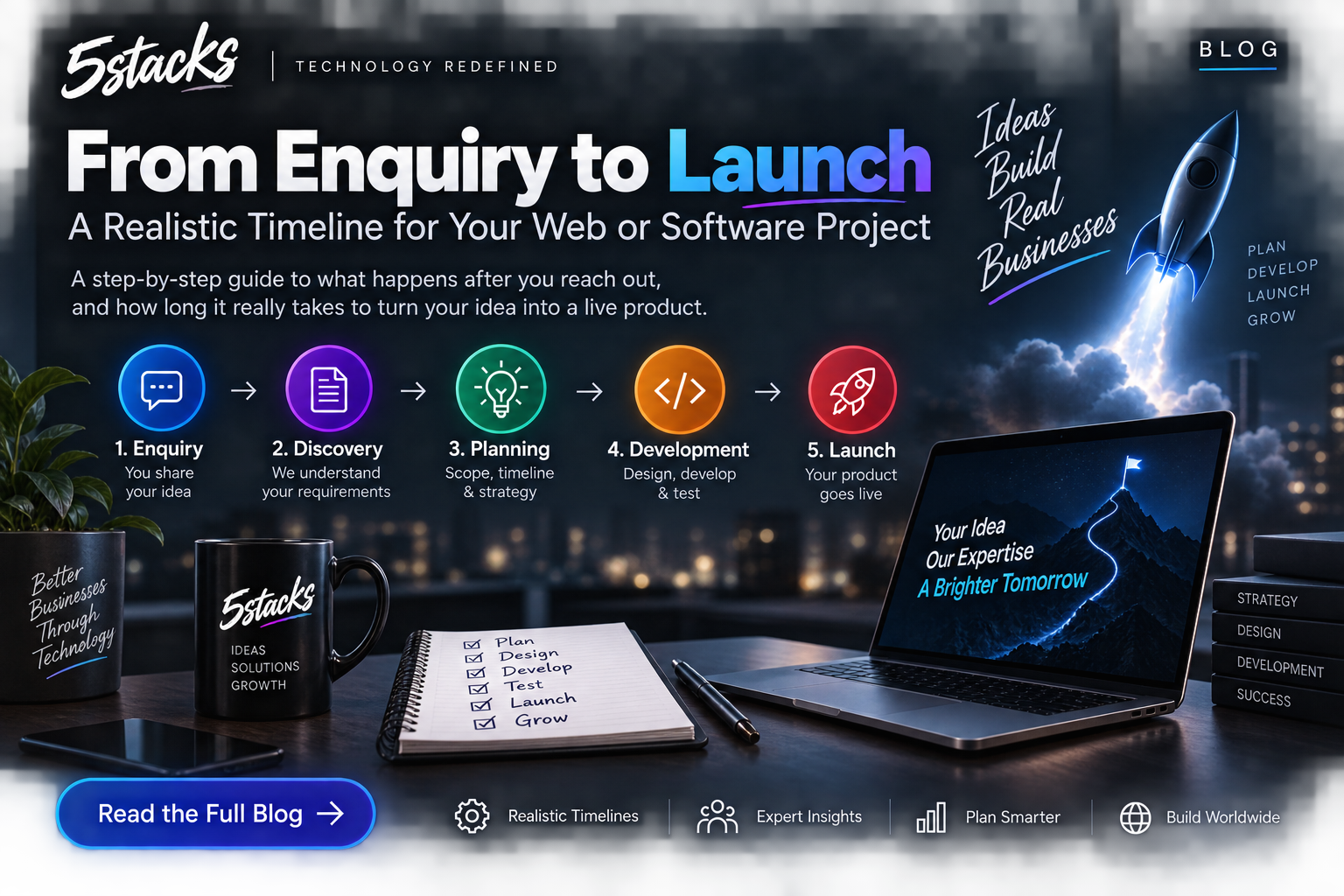
From Enquiry to Launch: A Realistic Timeline for Web and Software Projects
“How long will it take?” depends on scope and decisions. Visual timelines for In...

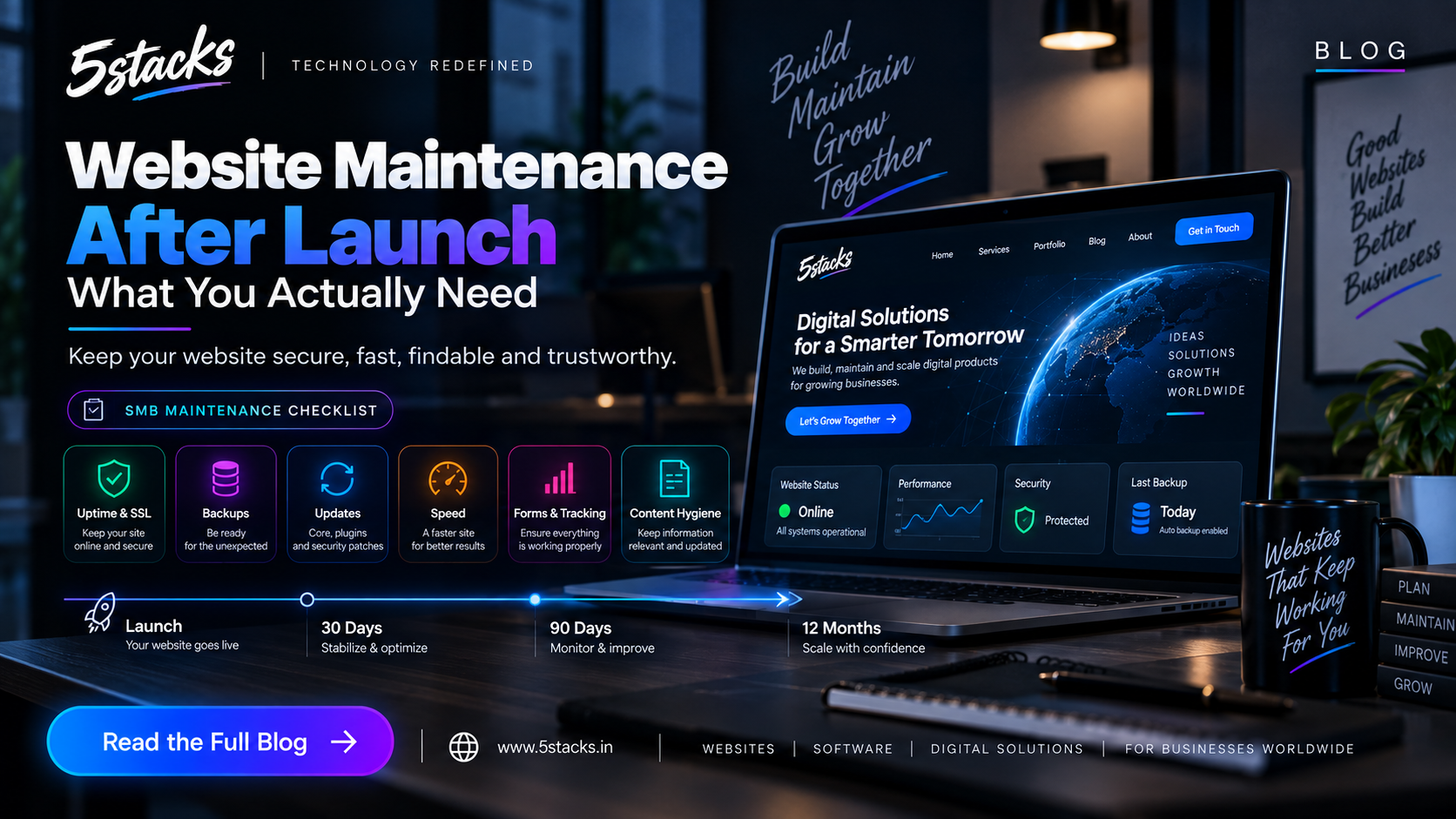
The day a site goes live, teams celebrate — then six months later the form is dead, PHP is ancient, and nobody has the hosting login. Maintenance is how a business website stays fast, findable, and trustworthy.
This is what Indian SMBs actually need after launch — not an “unlimited changes” package you never use.
Looks sharp. Forms work. Everyone is tired.
Mobile menu, mail routing, a plugin conflict.
Old prices, dead CTAs, new campaign pages never removed.
No backups tested, slow images, staff who left still have admin.
Buyers notice abandoned sites. Search Console does too. Pair upkeep with conversion and SEO: converting websites, SEO + AEO.
| Layer | What we check | If ignored |
|---|---|---|
| Uptime & SSL | Loads, HTTPS valid | Trust + ranking hit |
| Backups | Files + DB, restore test | One bad deploy = panic |
| Updates | CMS, plugins, PHP | Known exploits |
| Speed | Mobile LCP, image bloat | Bounce on 4G |
| Forms & tracking | Contact, Analytics, GSC | Silent lead loss |
| Content hygiene | 404s, outdated offers | Wrong prices live |
Design polish is optional. These six layers are not. If you can only afford one habit: monthly form test + backup restore twice a year.
A small retainer is worth it when someone already knows your stack. Spell out hours, response time, and what is a “new page” vs a bug. Unlimited “small changes” without a definition becomes an argument.
Launch bugs, backups confirmed, form emails in inbox (and spam).
Updates on staging first if you can. Crawl 404s. Speed pass.
Restore a backup somewhere throwaway. Review PHP/hosting plan.
Unique logins, 2FA, current PHP/CMS. No public installers or phpMyAdmin. WordPress plugin stacks need updates; Laravel apps still need Composer and server patches. Write a five-line incident note: who to call if the site is defaced or mail stops.
Patch when the offer and IA still work. Rebuild when the CMS fights you, mobile is unusable, or every new page takes a week. Treat a rebuild as a project — brief it.
Need aftercare? Talk to 5Stacks with hosting details and how often content actually changes.
Do we need maintenance if the site is static HTML?
Is hosting included in maintenance?
How fast should someone reply when the site is down?
Can we maintain in-house?
Will updates break the design?
What about email on the same domain?
When is a retainer not worth it?