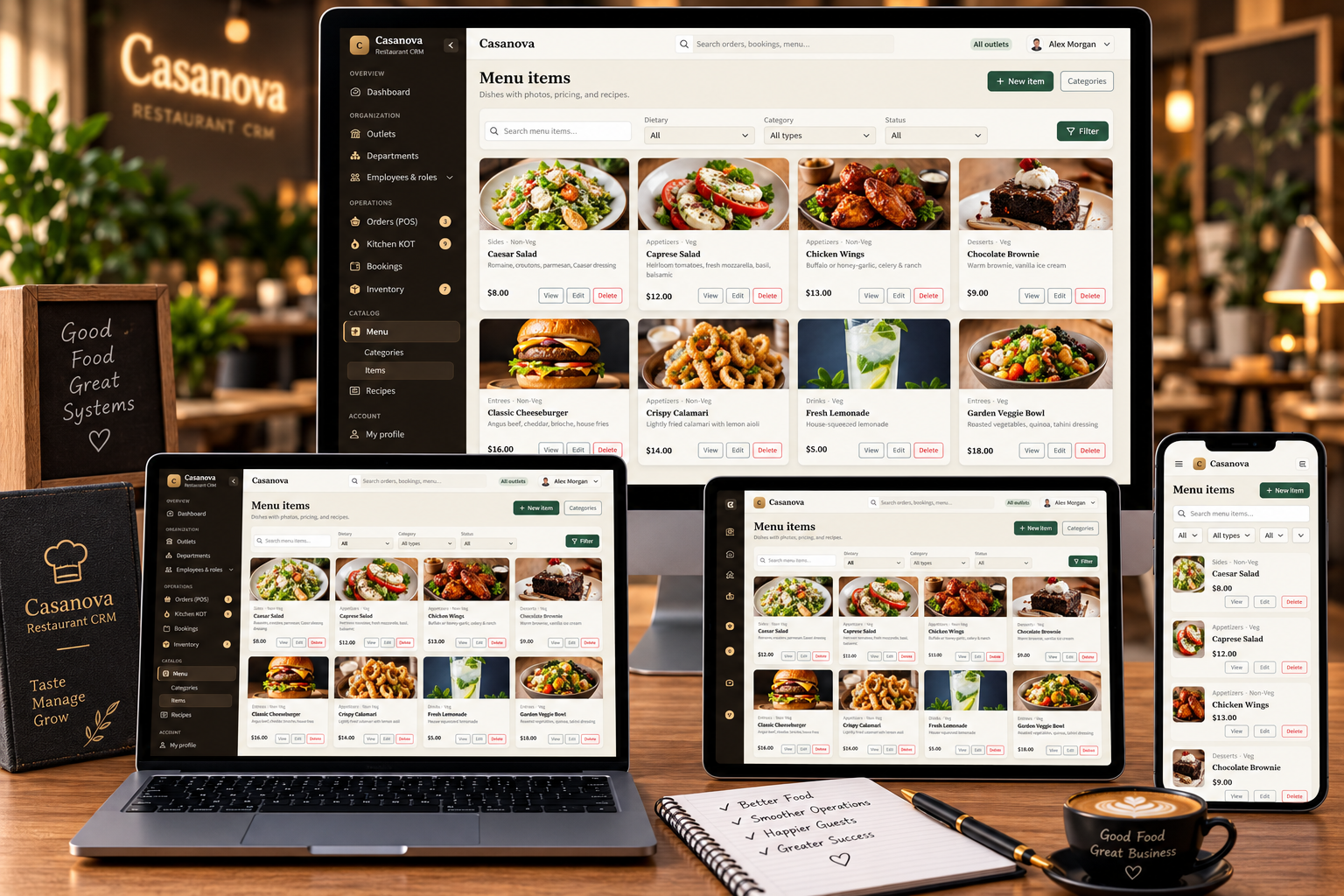
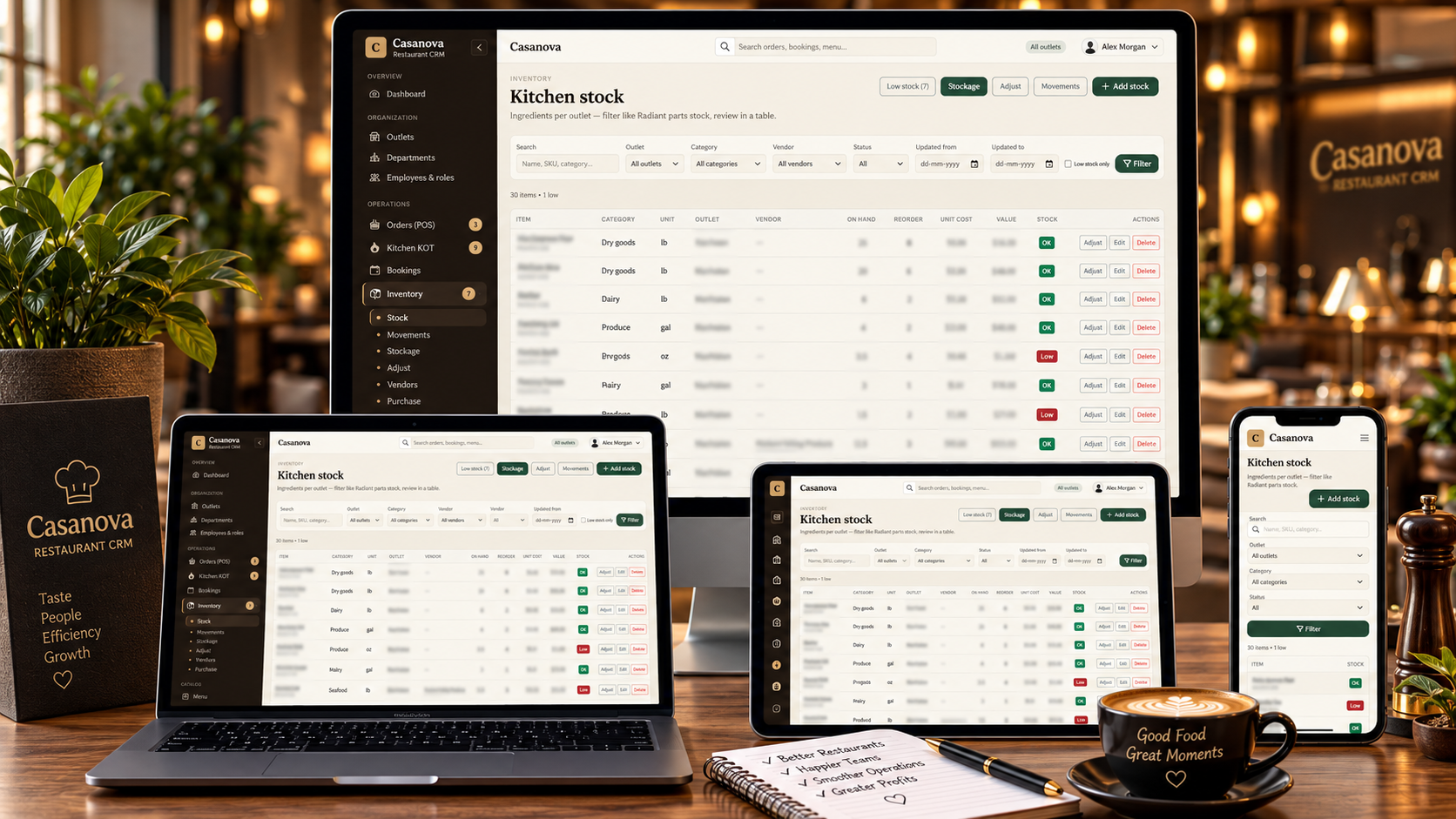
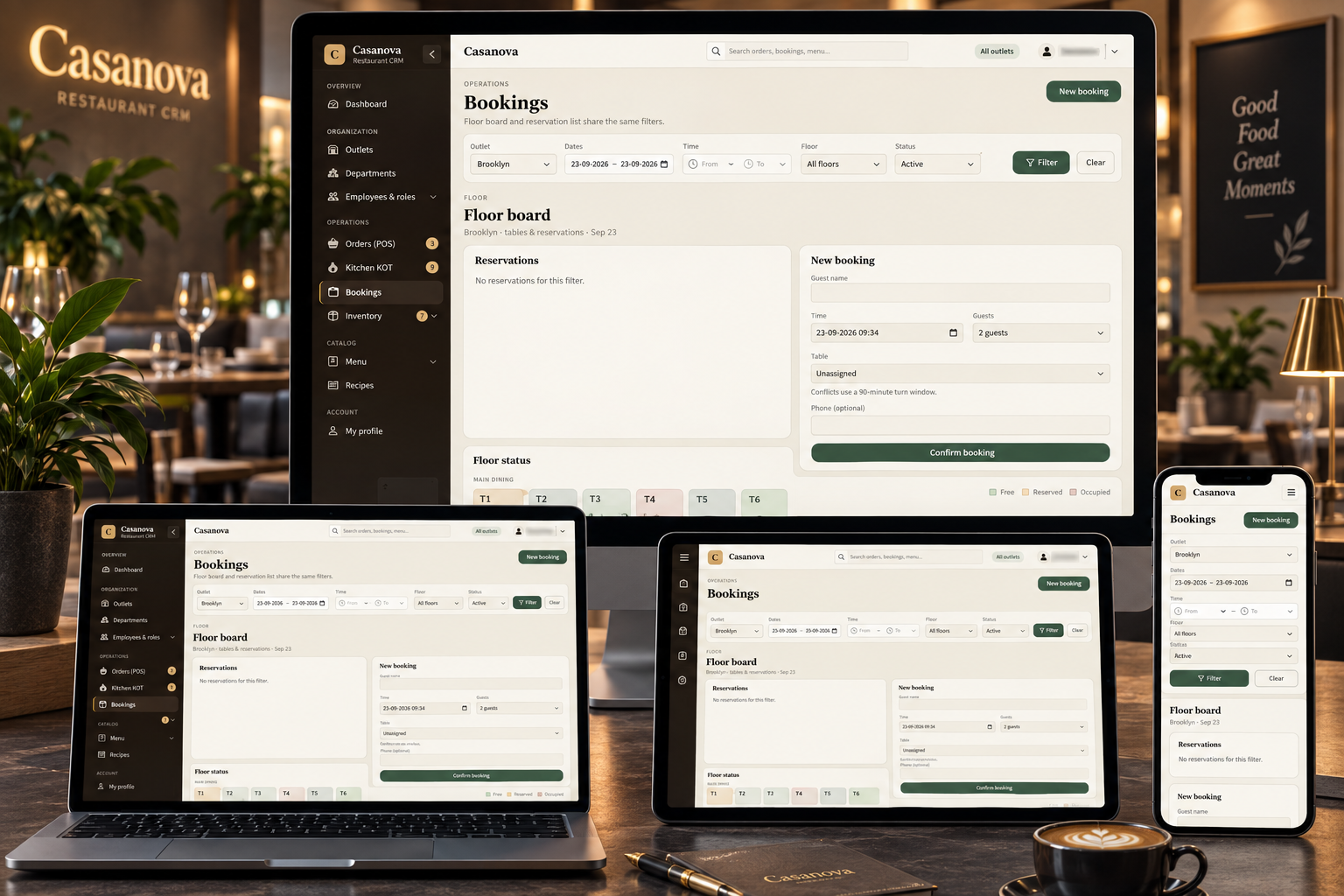
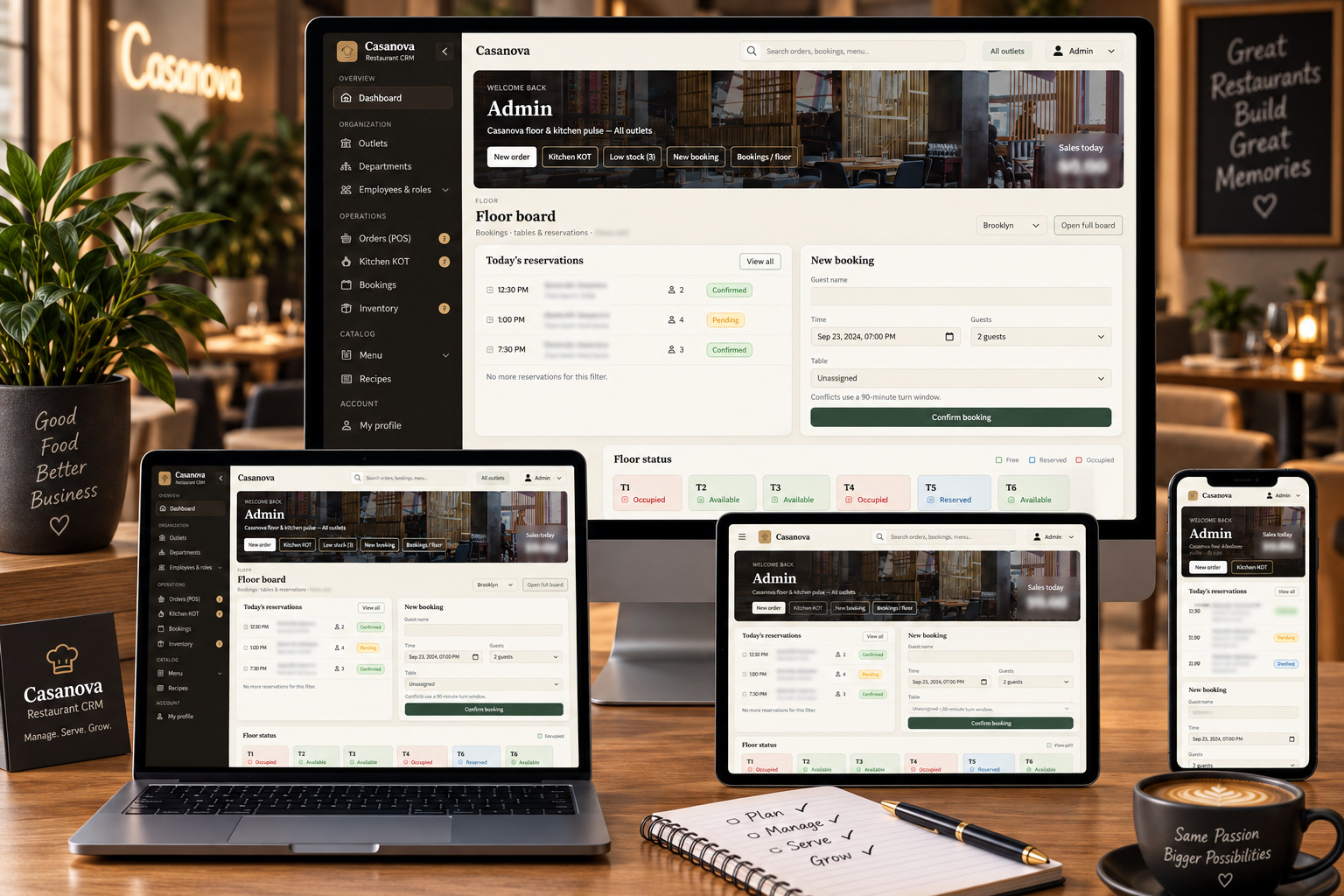
Case study · CRM & ERP
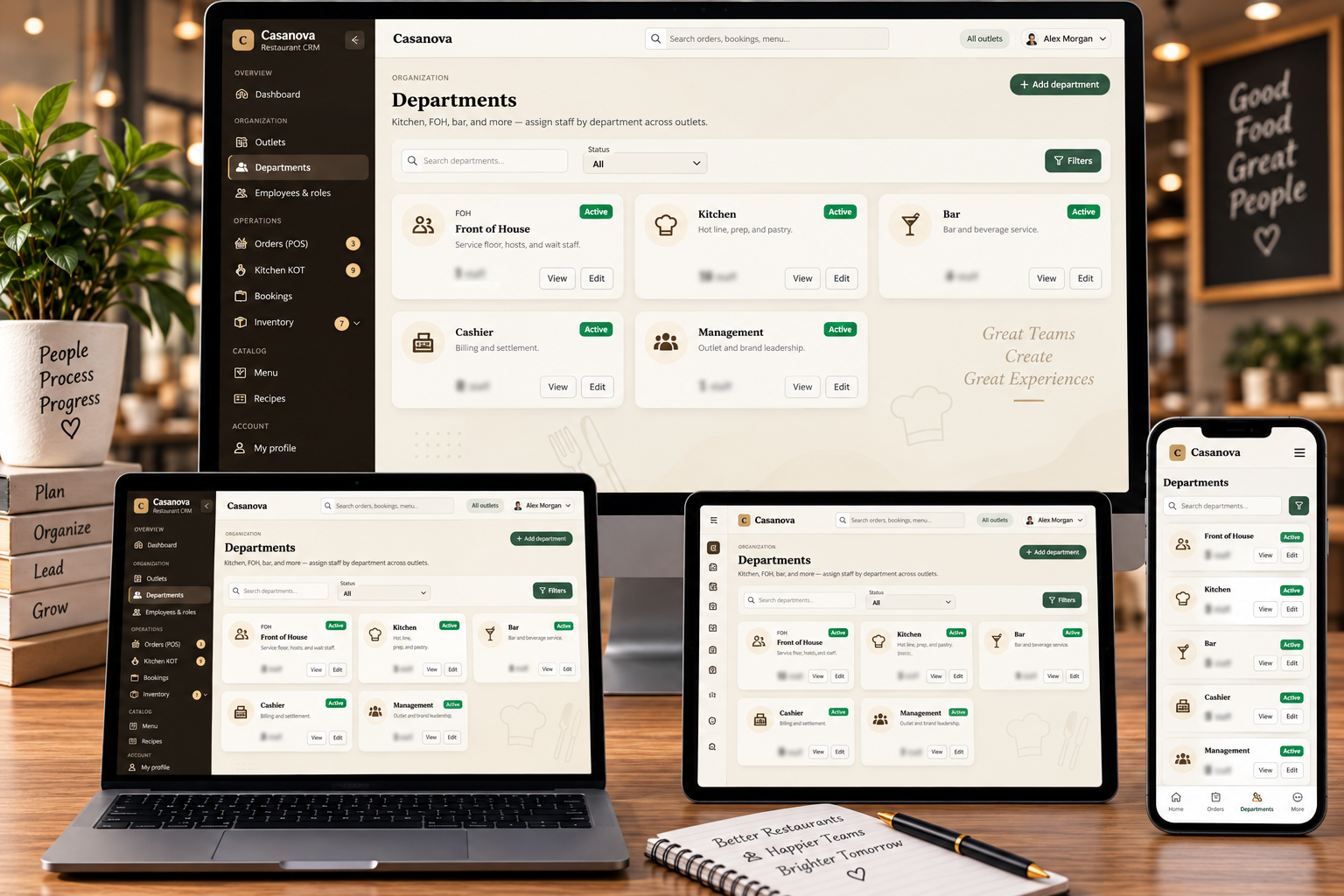
Restaurant CRM + Food Manufacturing ERP — One Window
Client: Confidential · Industry: Multi-outlet restaurants, central kitchen / food manufacturing, franchise F&B · Focus: Vendor → stock → make → send → sell → HQ
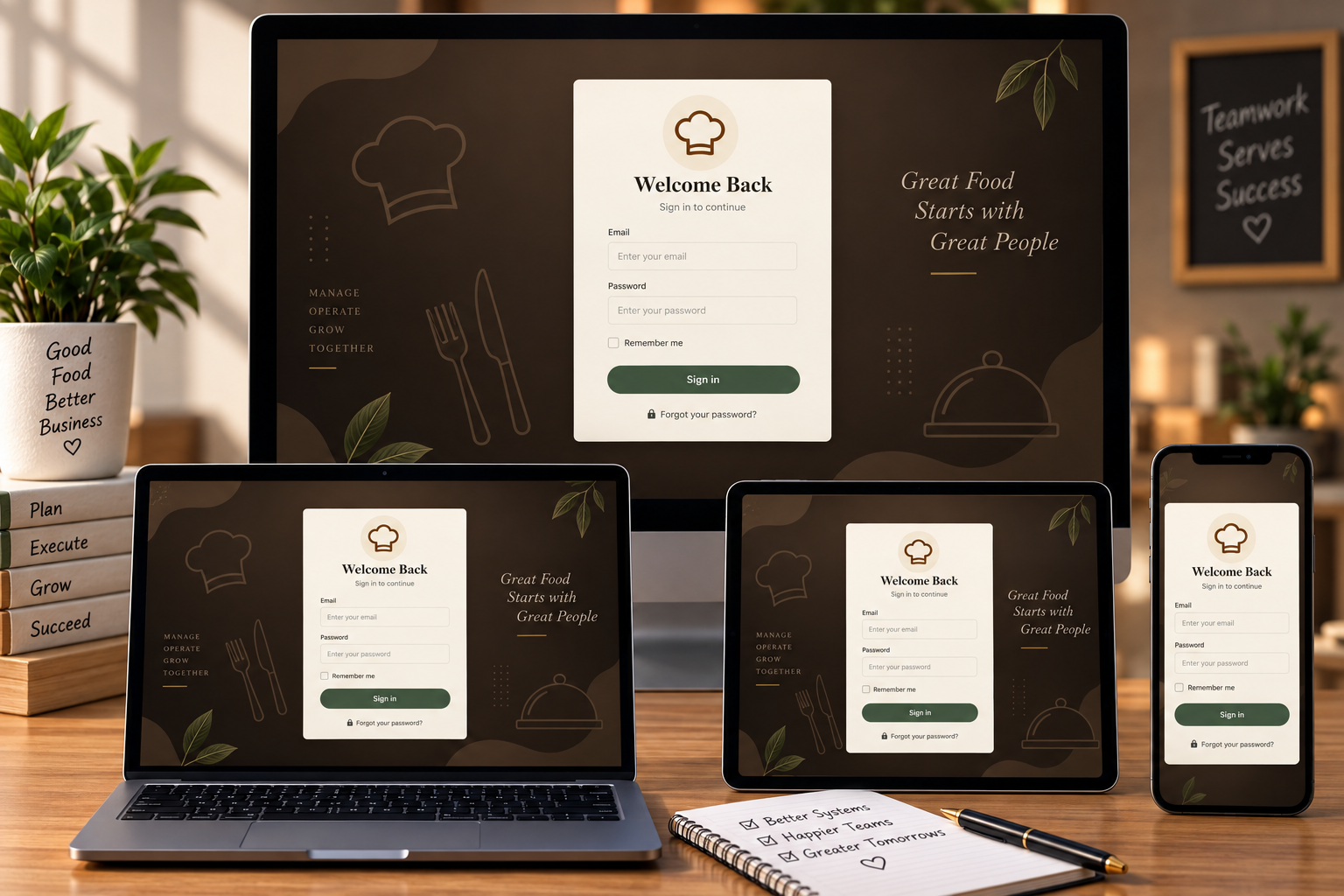
Restaurant groups that also manufacture food rarely fail on cooking. They fail in the gaps: vendors in one tool, Excel for stock, WhatsApp for “send 500 to outlet 3,” a POS that does not talk to the warehouse, and HQ guessing from last week’s sheet. 5Stacks built one operating system so every location sells the same way — and stock only moves when HQ says so.
In one line: buy food, store it, manufacture finished goods, approve outlet requests (including partial fulfill), bill guests, book tables — and see it all from HQ. No client brand is named here.
What operators actually struggle with
| Reality today | Cost | In this platform |
|---|---|---|
| POS, booking, and stock in three products | Guest flow and kitchen numbers never match | Same sell path at every outlet |
| Production reported in chat | HQ cannot see what was actually made | Batches: raw in, finished goods in warehouse |
| “Send 500” on WhatsApp | No trail, no partial, no receive step | Request → approve → transfer → receive |
| Warehouse has 300, outlet asked 500 | Someone invents a number or ships nothing | Send 300 now; 200 stays open until produced or bought |
| Franchise vs owned mix | Different apps, different guest experience | Same billing & booking; stock still HQ-controlled |
The operating story
Public case view. Recipes, costs, and merchant data stay with the operator.
How stock actually moves (the 500 / 300 case)
A location asks for 500. The warehouse has 300. HQ does not pretend otherwise. They ship 300, leave 200 open, manufacture or purchase the rest, then close the request. Every qty change sits on a document — not a silent edit.
| Step | Who | What happens |
|---|---|---|
| 1 | Outlet / franchise | Raises a stock request |
| 2 | HQ | Full, partial, or wait |
| 3 | Warehouse | Transfers approved qty |
| 4 | Location | Receives into their stock |
Sell: the same guest visit everywhere
- Need a table → booking / floor → seat (including multi-table for large parties)
- Walk-in or seated → POS order
- Kitchen KOT → invoice and payment close the visit
- Tax and invoice follow that outlet’s settings
Guests should not feel a different “system” at each door. Ops still know which location sold what.
What 5Stacks built (capabilities)
| Capability | For the team on the floor / in the plant |
|---|---|
| POS / billing | Orders, KOT, invoice, payments |
| Table booking | Reserve, seat, cancel / no-show |
| Vendor receive | Food intake into counted stock |
| Stockage | Warehouse / kitchen numbers you can trust |
| Manufacturing | Raw → finished goods batches |
| Requests & transfers | Ask, approve, ship, receive — including partial |
| Owned + franchise | Same sell tools; supply still gated by HQ |
| Roles | Who can bill, seat, approve, cancel |
| HQ dashboards | Brand view without five logins |
Who this is for
- Multi-outlet restaurant groups (USA, Europe, Middle East, Asia)
- Central kitchen / commissary brands that supply their own restaurants
- Franchise F&B operators who need a standard guest flow and a controlled supply path
- Hospitality teams replacing Excel and chat as the company OS
Custom Laravel build with role-based access and operational dashboards — the same class of work as our CRM & ERP and custom software work. Discovery maps your real vendor → make → send → sell path before screens.
FAQs (paste as Project FAQs)
What problem does this project solve for a restaurant brand?
It connects manufacturing, warehouse, outlets, guest billing, and table booking so HQ is not running the company from spreadsheets and chat.
Can franchise and company-owned outlets use the same tools?
Yes. Guests get the same booking and POS flow. Stock still moves only after a request and HQ approval.
How does an outlet get stock if the warehouse is short?
HQ can fulfill partially — send what exists now, keep the rest of the request open until production or purchase covers the balance.
Where does manufacturing sit in the guest journey?
It sits before sell. Raw food is received and counted, batches create finished goods in the warehouse, then outlets request those goods. The guest never sees that trail; HQ does.
What does a typical guest visit look like in the system?
Book or walk in, seat (one table or several), order on POS, kitchen KOT, pay and close. Tax follows that outlet’s settings.
Is the client named on this case study?
No. The implementation is confidential. The case describes the operating model so other F&B brands can recognise the same gaps.
Outcomes
- One trail: vendor → stockage → production → warehouse → outlet
- Documented transfers instead of silent stock edits
- Same guest flow at every location; HQ keeps supply control
- New outlets reuse the same stack — not a second set of tools
Planning a commissary, franchise ops layer, or restaurant CRM? Talk to 5Stacks — workflow first, then build.
Client identity, recipes, cost sheets, and live sales figures are omitted from this public case study.
Frequently Asked Questions
What problem does this project solve for a restaurant brand?
Can franchise and company-owned outlets use the same tools?
How does an outlet get stock if the warehouse is short?
Where does manufacturing sit in the guest journey?
What does a typical guest visit look like in the system?
Is the client named on this case study?