Case study · CRM & learning platform
The Tutor Grid — Custom EdTech CRM
Client: The Tutor Grid · Industry: EdTech / online tutoring
Online tutoring companies lose enrollments when the catalog, the parent, the tutor calendar, and the payment live in different tools. 5Stacks built The Tutor Grid CRM as one operating system: a family finds a course, chooses a schedule, pays, and an admin assigns a tutor who already has a Meet link ready.
Quick answer: The Tutor Grid is a custom EdTech CRM and learning platform. Six role-based workspaces (student, parent, tutor, vendor, admin, super admin) share one catalog, enrollment, promo pricing, Authorize.Net checkout, session scheduling, and Google Meet.
The problem tutoring ops actually face
| Gap | What happens | What the CRM does |
|---|---|---|
| Catalog vs payment | Price in a PDF, pay by a random link | Published course + offer + checkout in one flow |
| Parent vs child | Separate signups, lost seats | Parent adds children and enrolls them |
| Tutor supply | WhatsApp “who is free Tuesday?” | Availability + admin assign after pay |
| Live class | Meet links in chat, no audit | Google Calendar + Meet on the session |
| Vendors | Chess/robotics in a side spreadsheet | Same catalog, same queue as academic courses |
Two learning tracks, one product
| Academic | Activity |
|---|---|
| School subjects, skill categories, price per session, published catalog | Chess and other specialist programs from vendors/tutors, same enrollment and admin queue |
Who uses it
| Role | What they do |
|---|---|
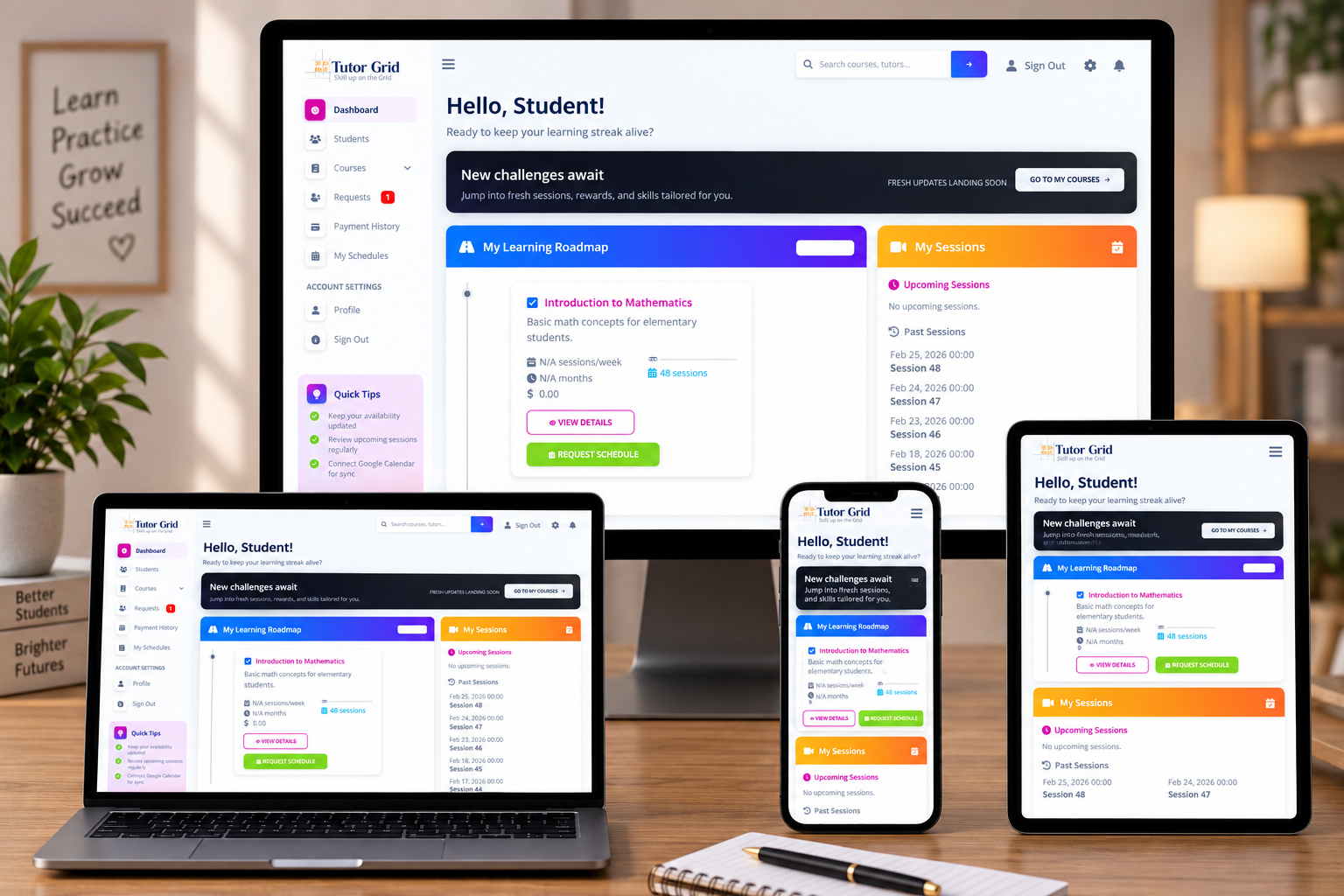
| Student | Browse published courses, enroll, pay, see upcoming and past sessions |
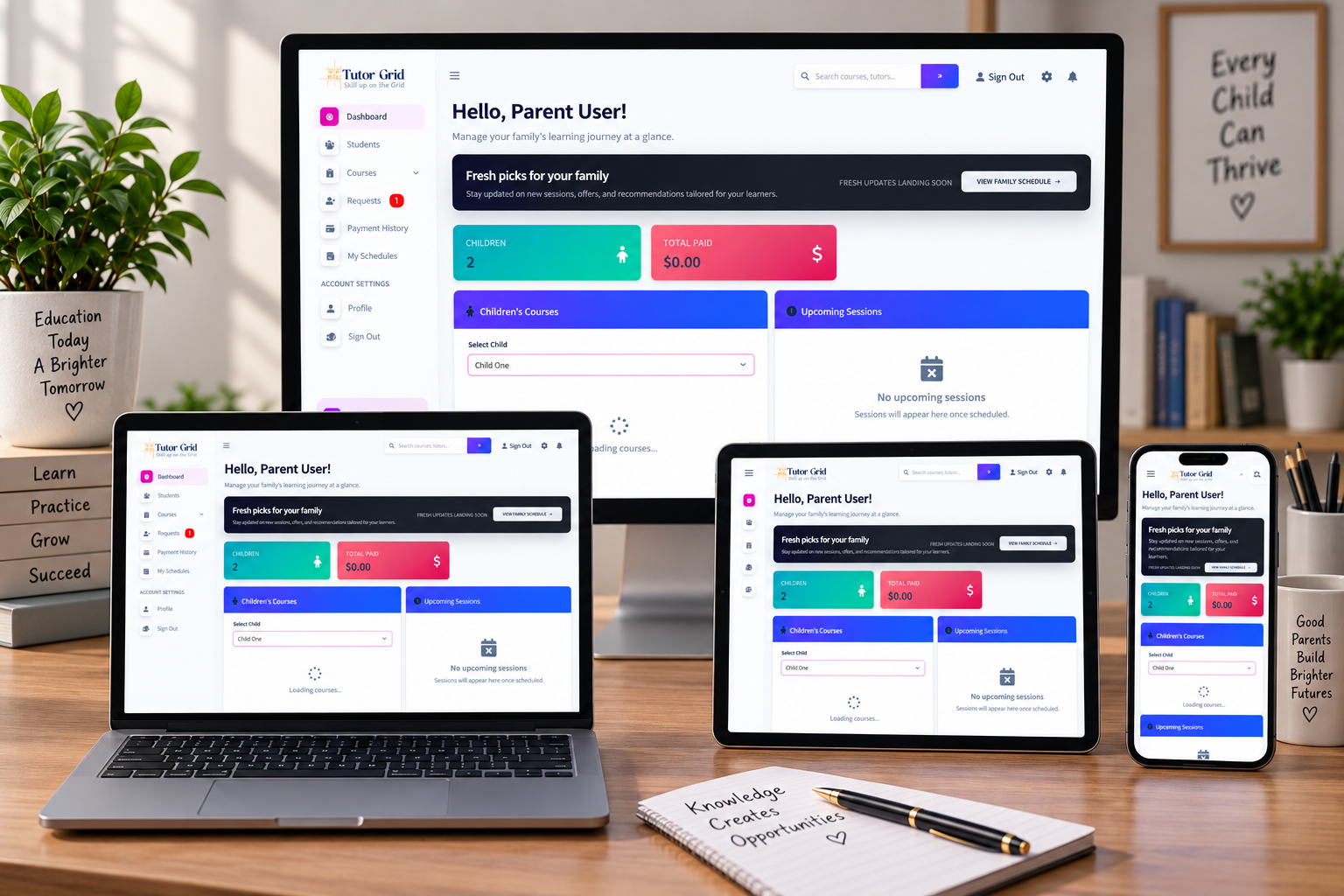
| Parent | Add children, enroll them, follow progress from a parent dashboard |
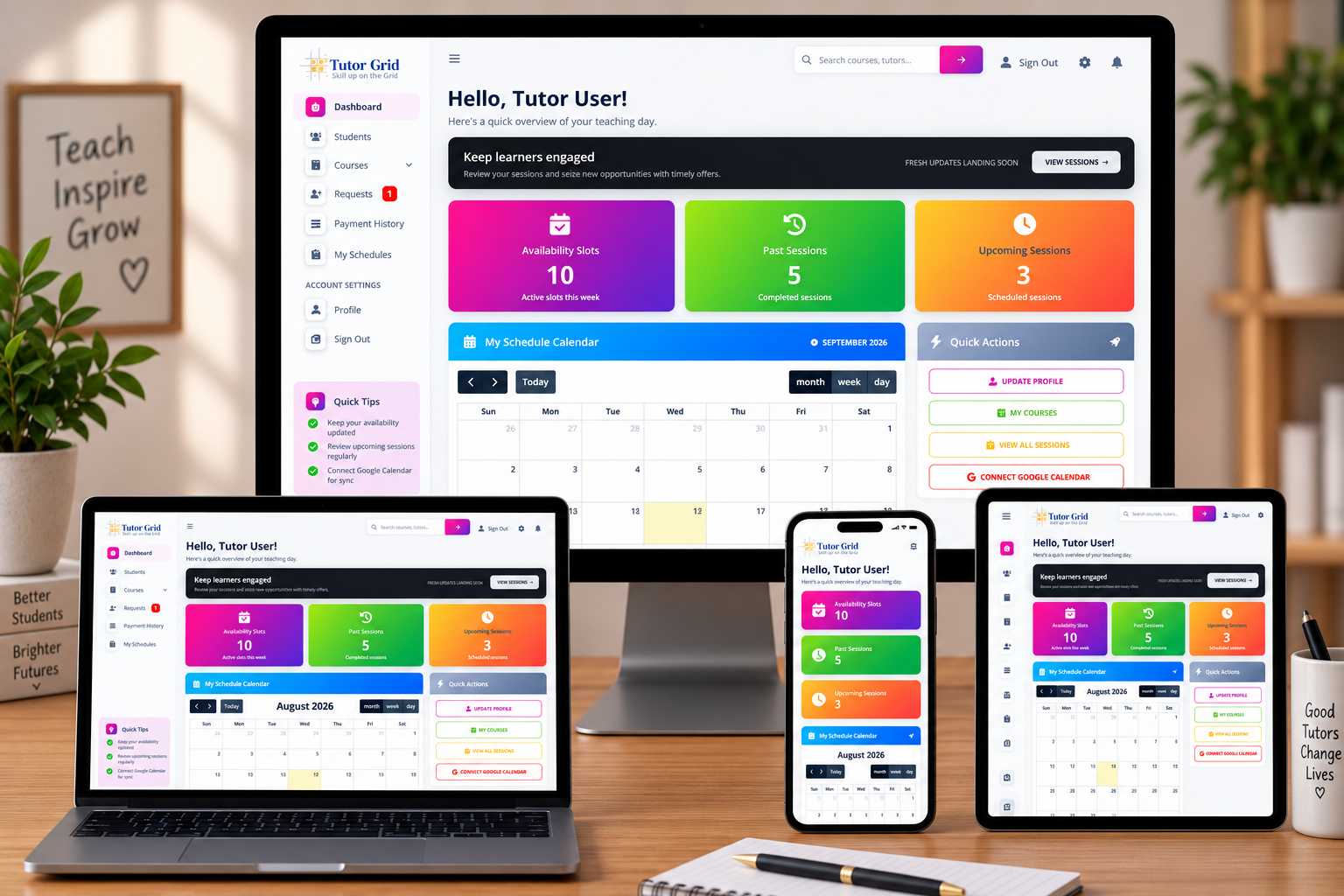
| Tutor | Weekly availability, run sessions, reschedule, connect Google Calendar |
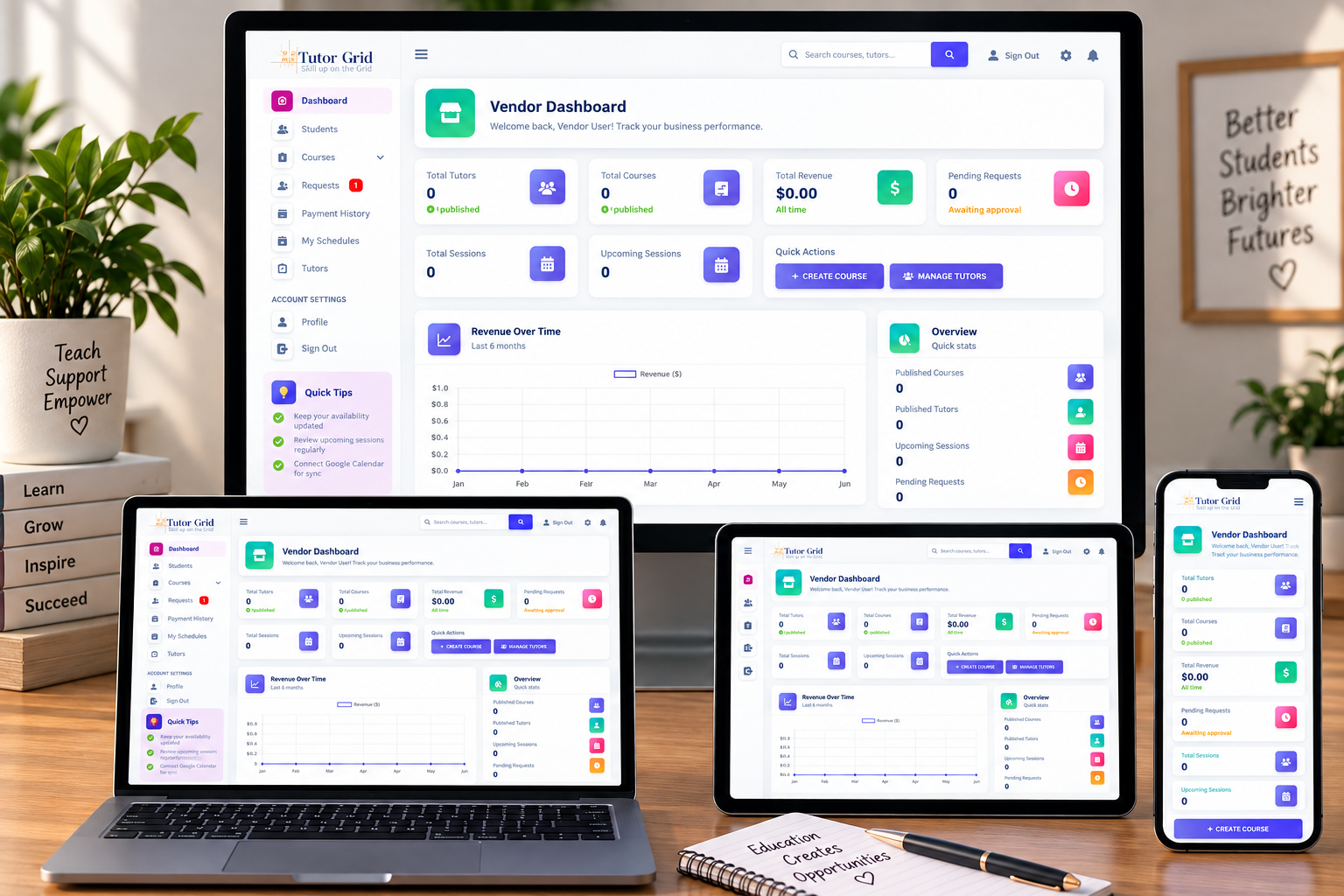
| Vendor | Manage tutors and course requests; publish programs under their account |
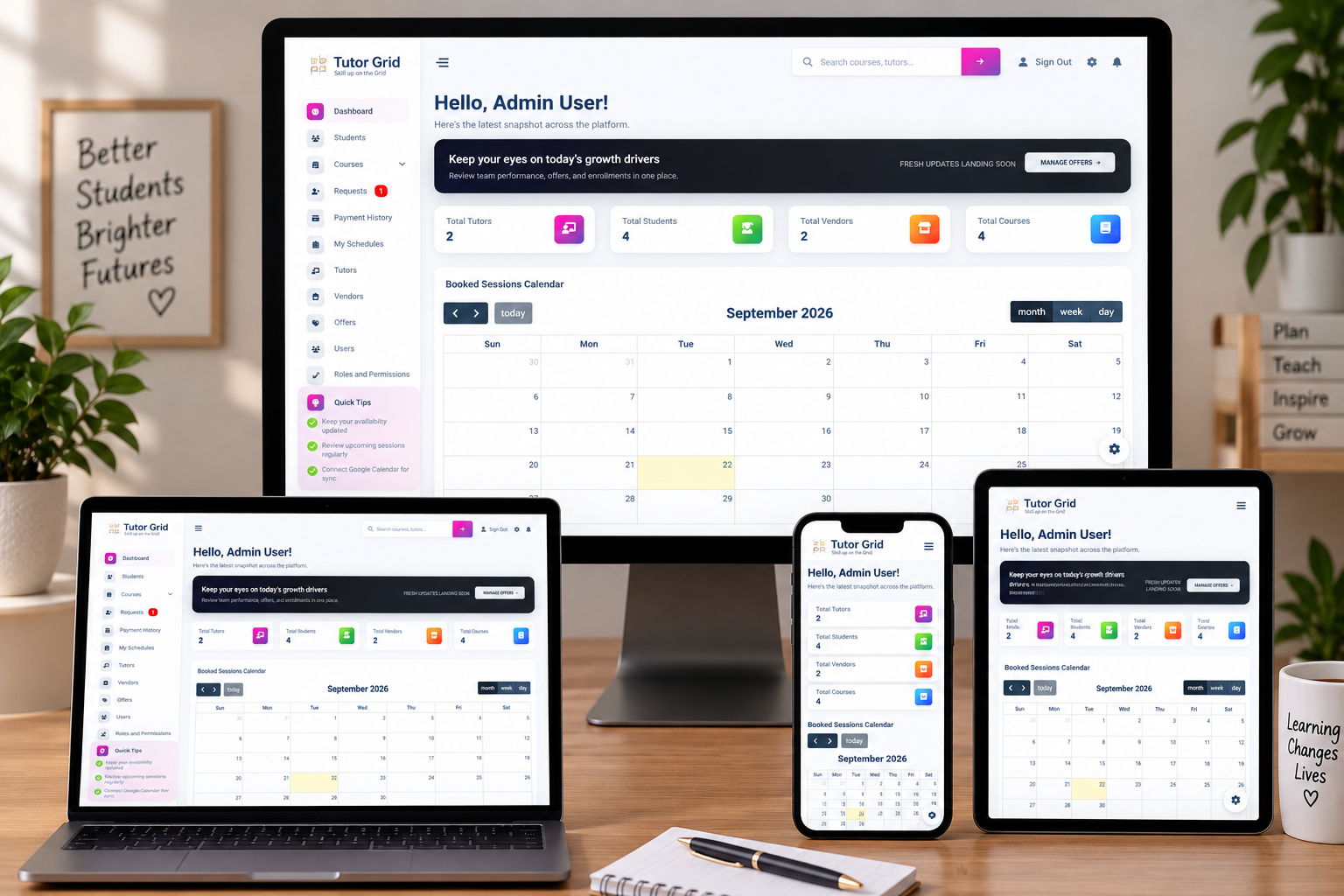
| Admin | Assign tutors to paid enrollments, review requests, watch revenue and schedules |
| Super admin | Users, roles, permissions, offers, platform-wide reporting |
What 5Stacks built
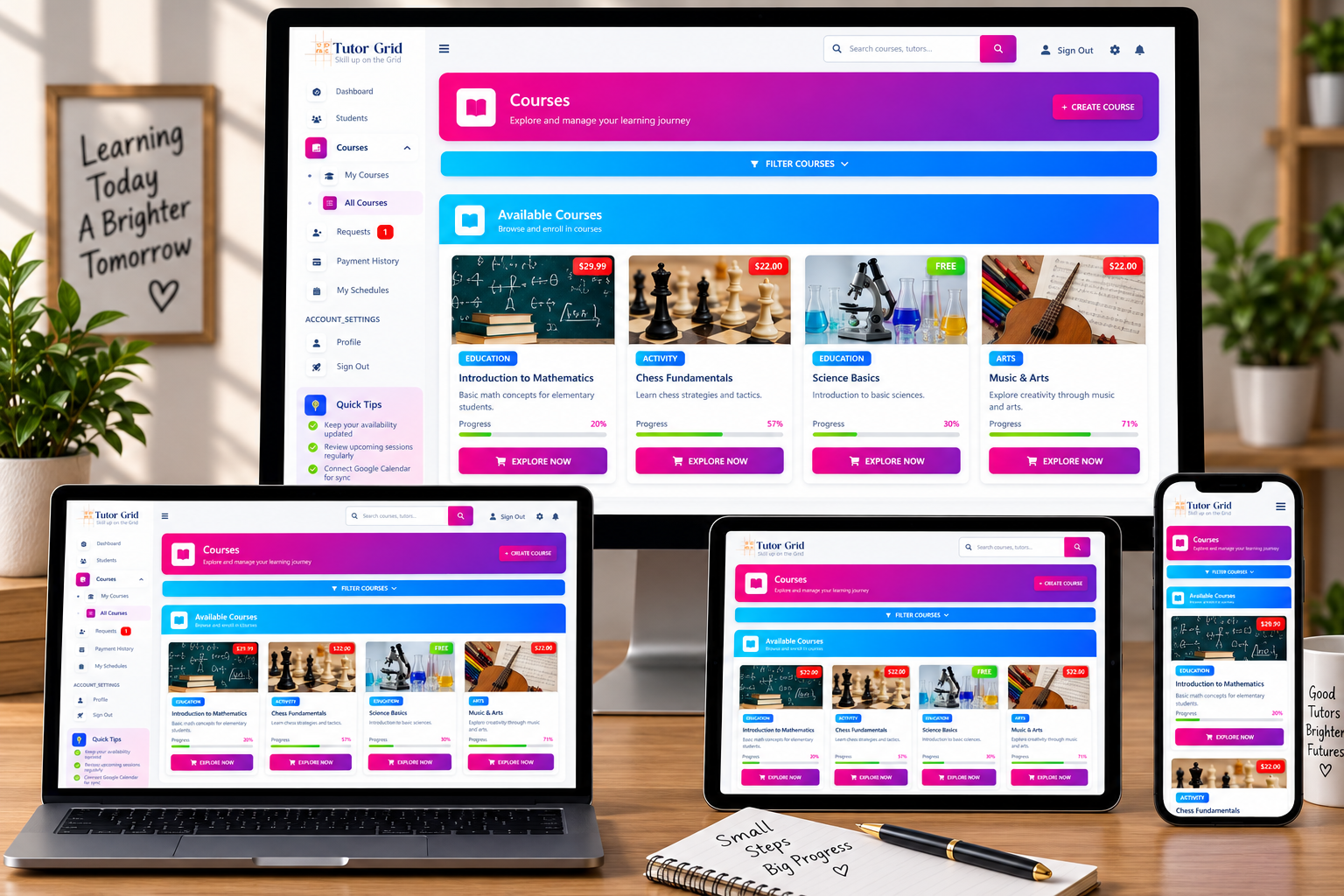
- Course catalog: filterable listings by skill, published/draft, course pages, builder for units, topics, exercises
- Family enrollment: sessions per week, duration in months, one or more children, promo code before checkout
- Offers: percentage, fixed, bundle, buy-X-get-Y, free sessions — date windows, usage caps, claim history
- Payments: Authorize.Net hosted checkout, payment history, invoices (no parallel spreadsheet)
- Scheduling: tutor availability, generated sessions, shared calendar, approve/reject reschedule
- Live class: tutor connects Google once; assigned sessions can create a Calendar event and a Meet link
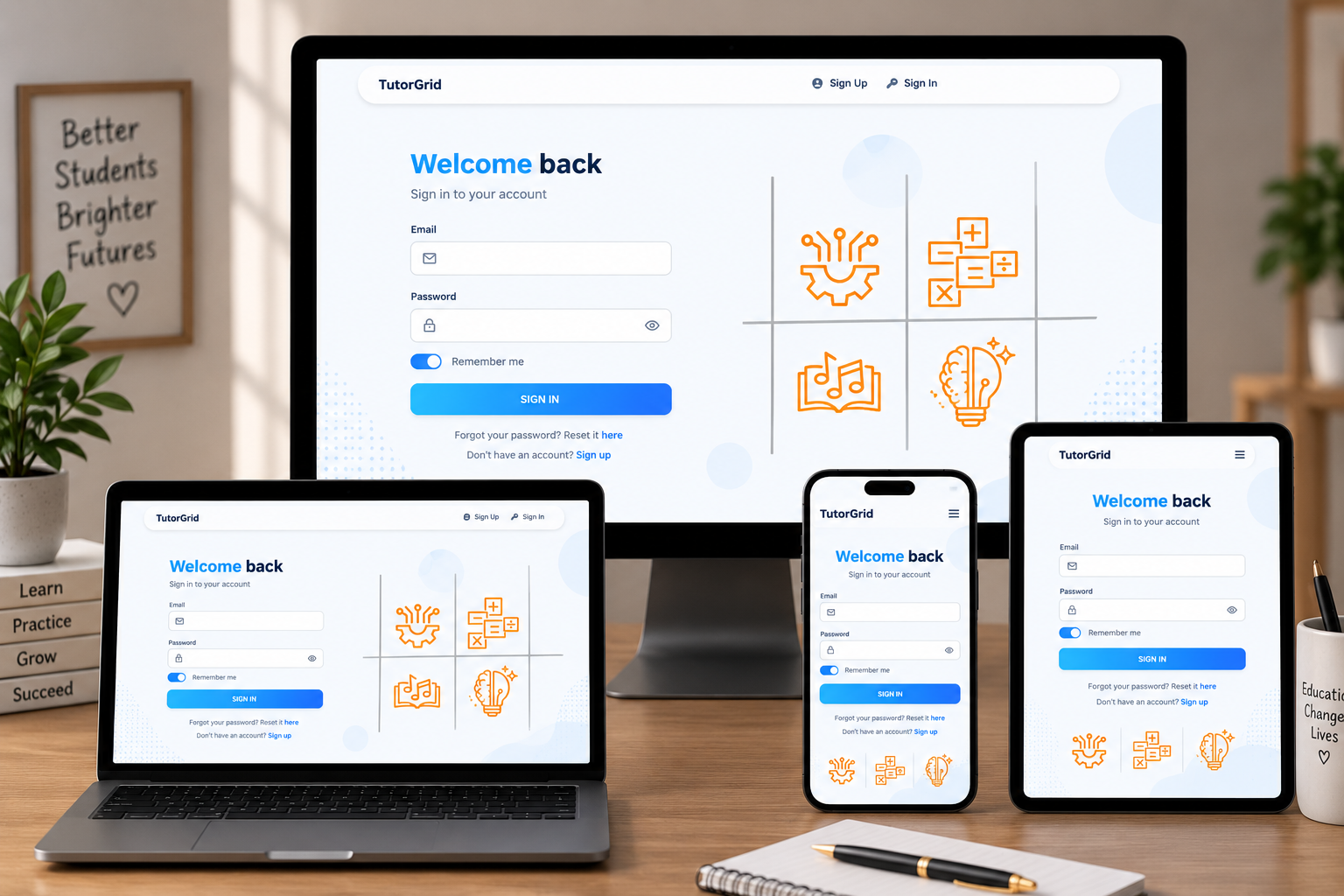
How a family goes from course to class
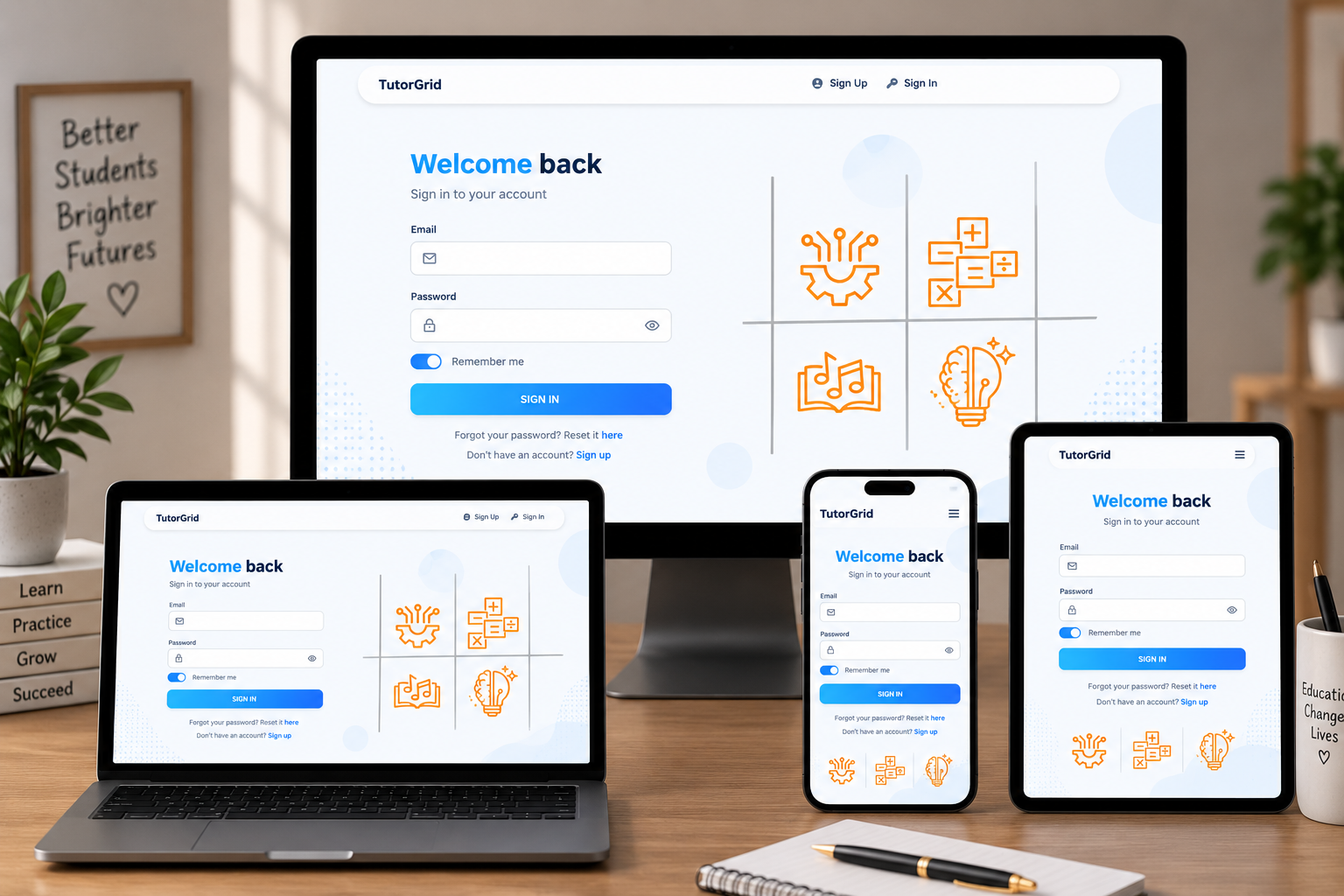
Public case view. Card data, merchant keys, and Google OAuth credentials are not shown.
Technology
| Layer | Choice |
|---|---|
| Application | Laravel 11, PHP 8.1, Blade dashboards |
| Data | MySQL: users, courses, curriculum, sessions, payments, offers |
| Access | Roles and permissions per workspace |
| Integrations | Authorize.Net; Google Calendar + Meet |
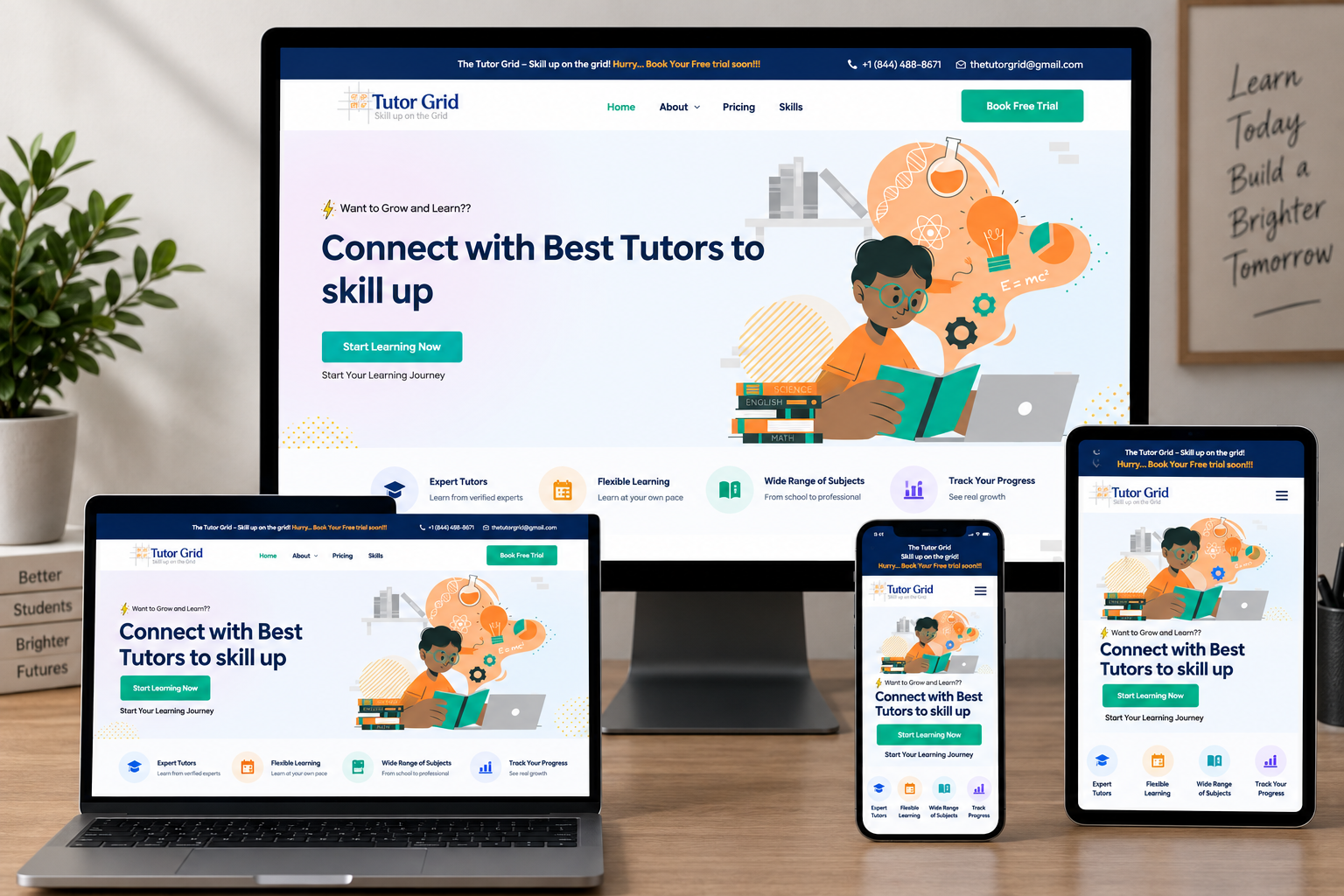
Built as a custom Laravel product — not a stitch of forms, calendars, and payment links. Same class of work as our CRM & ERP and custom software deliveries. Marketing site (parent trial, skills, US/EU/India SEO) is documented separately.
Why it matters
An edtech CRM earns its place when it shortens interest → paid, scheduled class. Admins see one request queue. Parents see their children. Tutors see their week. Vendors see the programs they supply. Finance sees invoices next to enrollments.
FAQs (paste as Project FAQs)
What is an EdTech CRM?
The operating system for a tutoring company: learners, families, instructors, courses, payments, and sessions — each role only sees the work they own.
Who did 5Stacks build this for?
The Tutor Grid, an online learning brand for academic courses and activity programs, with tutors and vendors supplying teaching.
Can a parent enroll a child without a new student signup every time?
Yes. A parent account adds child profiles and enrolls them, including sessions per week and program length.
How are tutors matched after payment?
Paid enrollment becomes a request. An admin assigns a tutor. Availability and the Google connection drive the session.
Which payment and meeting tools?
Authorize.Net (hosted checkout, invoices, history). Live class: Google Calendar and Google Meet after the tutor connects Google.
Can academic tutoring and extracurriculars share one system?
Yes. Skill categories in one catalog, one enrollment flow, one admin queue — e.g. maths and chess together.
Outcomes
- One CRM for students, parents, tutors, vendors, and admins
- Catalog → offer → Authorize.Net → request → tutor → Meet
- Academic and activity programs in the same product
- Role-based dashboards instead of spreadsheets and chat links
Planning a tutoring marketplace or parent portal? Contact 5Stacks or see CRM & ERP development.
Merchant credentials, Google OAuth secrets, and live enrollment volumes are omitted from this public case study.
Frequently Asked Questions
What is The Tutor Grid CRM?
Who uses it?
Can a parent enroll a child without a new signup every time?
How are tutors matched after payment?
Can academic tutoring and activities share one system?